Changelog

Product updates

Every release, newest first. Latest: 0.0.9.

Subscribe by RSS
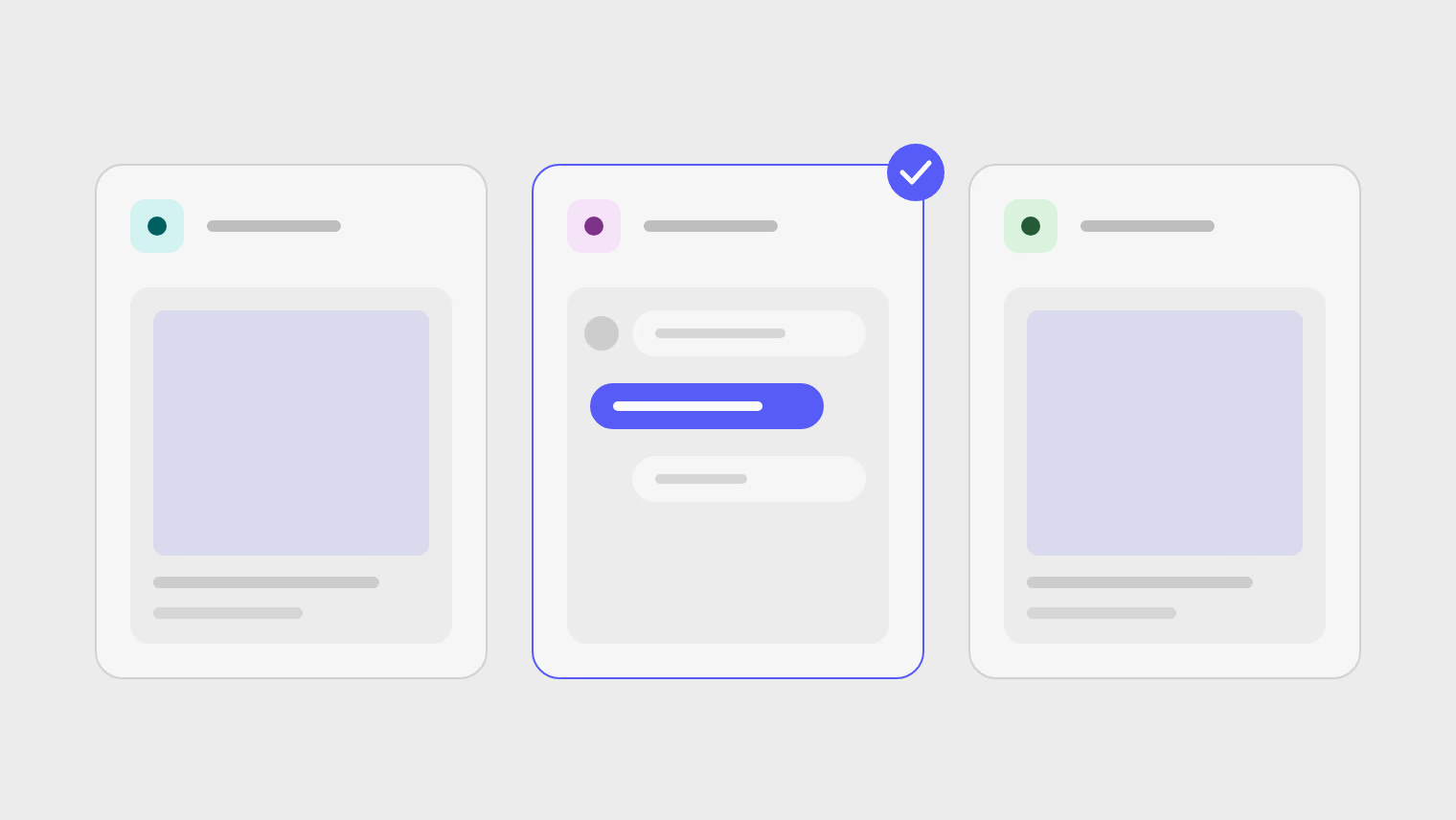
Three automation tiles, each with a preview of the post or reply it produces, and one of them marked as waiting for approval.
LatestVersion 0.0.9 ·

Automations at a glance

See what each automation will do before it runs, approve replies and posts from the exact text, and read about each network on its own page.

New2Improved5Fixed1
  • Automation previews. Each automation shows the outcome it produces, in a grid or a list, under All, Posting, Engagement and Waiting for approval.

  • A page for every network. Each network we connect has its own page with its limits, in all five languages.

  • Approvals show what will go out. A reply or post waiting for approval shows exactly what will be sent.

  • Post results come first. A post's page opens on how it performed.

  • YouTube data follows YouTube's rules. Disconnecting a YouTube channel removes its Google access and deletes its data, as do seven days without access.

  • Simpler plans. Pro includes one seat and 5 GB of storage, and Ultra, the plan we recommend, now has 50 GB.

  • Updated terms. Everyone is asked once to accept the updated terms.

  • Bluesky display names. Bluesky channels show the profile's display name.
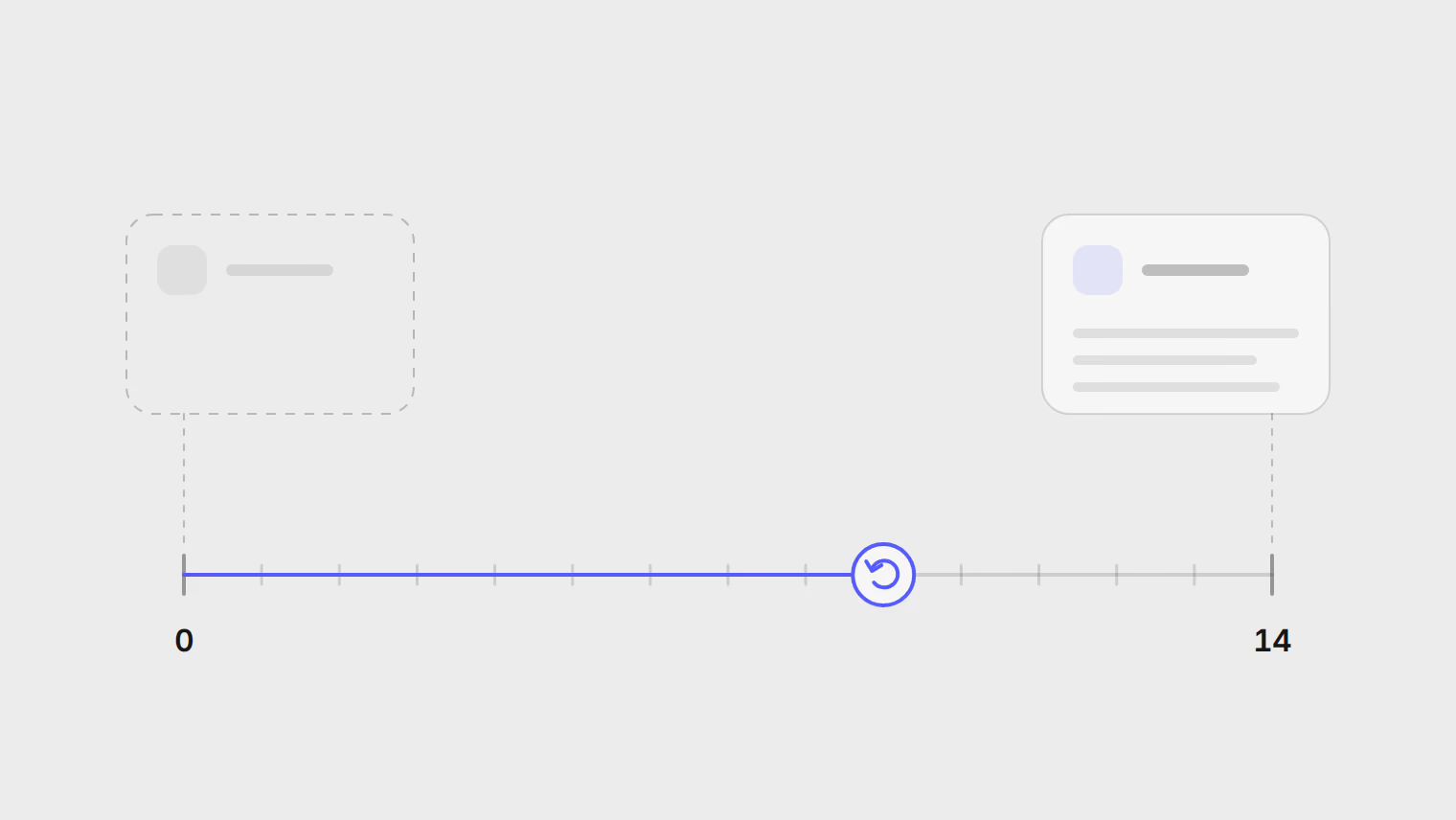
Two workspaces on a timeline, an empty one removed on day 0 and a full one removed on day 14, with a cancel point in between.
Version 0.0.8 ·

Workspace deletion and calmer automatic replies

Delete a workspace when you are done with it, let automatic replies read more like a person, and start setup from your website.

New4Improved3Fixed1Security1
  • Delete a workspace. Delete it from Settings: at once when it is empty, otherwise after 14 days, with a chance to cancel.

  • Automatic replies that read like a person. Replies wait a moment before they go out, and AI suggests more ways to word a fixed reply.

  • Brand description from your website. During setup, Publedia reads your website and writes the brand description for you.

  • Rename and delete API keys. Give each API key a name you recognise or delete one you no longer use, and keys you already made keep working.

  • AI replies read the post. An AI reply takes the post it answers into account, and the reply preview responds in seconds.

  • One view to plan posts. Plan by week or by month in the same view.

  • The inbox opens on everything. The inbox now opens on every conversation, newest first.

  • No replies from a closing workspace. A workspace waiting to be deleted sends no automatic replies.

  • Safer website reading. Reading a website on your behalf can no longer be used to overload the service.

Version 0.0.7 ·

Automation presets and inbox rules

Start automations from ready-made presets, let inbox rules sort comments, and add a first comment on more networks.

New6Improved3Fixed1Security1
  • Automation presets. Start from a preset picked for your channels, then try your reply on real comments before you turn it on.

  • Inbox rules. Flag complaints, hide spam and link comments, or clear giveaway comments without writing a reply.

  • Posts from new videos, episodes and articles. An automation can announce a new YouTube video or podcast episode, or turn one article into a month of posts.

  • First comments on more networks. Add a first comment on X, Bluesky, LinkedIn and Threads, as you already could on Instagram and Facebook.

  • Repost lists you can tune. Retire a post after a set number of reposts, shuffle the order, and give each item up to five wordings.

  • Every post has a title. The composer asks for a title on every post, and the title shows wherever the post is named.

  • Your language everywhere. Every screen and public page follows your language, and release, article and legal text stays in English, marked as such.

  • Layouts for phones and tablets. Dialogs open as sheets on phones, the menu opens over the page on tablets, and buttons are easier to tap.

  • One more sign-in. Everyone signs in once more after this release, with the same email and password or Google account.

  • Inbox replies stay in their thread. A reply sent from the inbox stays attached to its conversation, and shows who sent it.

  • Stronger sign-in. Resetting your password signs out every session, and changing it signs out every other one.

Version 0.0.6 ·

Automatic replies and Instagram messages

Comment automations reply on their own, Instagram messages join the inbox, and an AI app can work in your workspace.

New8Improved2Fixed1
  • Comment automations reply on their own. Watch any post or specific posts, and each person gets one reply per post, never on comments older than the automation.

  • Instagram messages in the inbox. Instagram direct messages are rolling out to the inbox, and appear only where your connection supports them.

  • Post settings for each channel. Set what each platform supports, such as visibility, audience and labels, before you publish.

  • Work from an AI app. Connect Claude, Cursor or another AI app from Settings, with a key limited to reading, drafts or full control.

  • Refer and earn. Share your link, and when a friend publishes their first post you each get 30 days on the next plan up.

  • A weekly goal and streak on Home. Set a weekly posting goal, keep a streak, and share it as a link if you want to.

  • Email for what needs you. Failed posts, channels to reconnect and failed automation runs reach you by email, with a link to each fix.

  • Saved replies in the inbox. Reuse replies you write often, and move through comments with J, K, R and E.

  • Posts is one page. Calendar and Posts are merged: failed posts come first, then the next seven days, with drafts in a tray you drag onto a day.

  • Undo Publish now. Publish now waits ten seconds before it sends, so you can take it back.

  • Seat limits up front. Inviting more people than your plan's seats is refused before you send, with a way to upgrade or free a seat.

Version 0.0.5 ·

Safer retries and a clearer Home

Retry failed posts without sending them twice, keep your drafts, and see what needs you first.

New4Fixed1
  • Drafts you do not lose. After a reload or a crash, the composer offers to restore your unsaved text, media and settings.

  • Home leads with what needs you. Home opens on the posts that need a decision, each with its one fix, and what publishes next.

  • Find any post. Search, sort and filter every post, with several statuses at once, and long lists split into pages.

  • The site in five languages. Read the site in English, Spanish, Russian, Turkish or Azerbaijani, each at its own address.

  • Retry without double posts. Retry never sends a post that already reached the platform, and it says which channels it held back and why.

Version 0.0.4 ·

Post results and filters

See how each post performed, find the posts you need faster, and invite teammates by email.

New4Improved2Fixed2
  • Results for each post. A post's page shows its reach, engagement, comments and history in one place.

  • One filter for posts. Filter the list and the calendar by status and tag from the same control.

  • Invitations by email. The person you invite gets an email naming the workspace, their role and when the link expires.

  • Your logo in designs. Set your workspace logo once and place it from the image editor.

  • Previews for every network. Bluesky, LinkedIn and Threads previews now look like the real post.

  • Scheduling in one step. Choose now, a time or the queue from one switch, and the button says what will happen.

  • Changing a scheduled time. Moving a scheduled post to a new time saves the new time.

  • Automatic replies on X and Threads. Reply automations answer comments on X and Threads.

Version 0.0.3 ·

Three new networks

Publish to LinkedIn, Bluesky and Threads, add polls, and work from your phone.

New3Improved3Fixed1
  • LinkedIn, Bluesky and Threads. Publish to three more networks, for eight in all.

  • Polls. Add a poll to posts on networks that support them.

  • Webhooks. Let your own tools know the moment a post publishes or fails.

  • Your own X app. Connect X with an app of your own, so its costs and limits are yours.

  • Works on your phone. The app, settings, editor and calendar fit a phone screen and respond to touch.

  • LinkedIn reconnects every 60 days. LinkedIn posts from your personal profile, and its connection needs renewing every 60 days.

  • Removed channels stop counting. A channel you remove no longer counts against your plan's accounts.

Version 0.0.2 ·

Comment inbox and video clips

Keep up with comments in one place and turn long videos into clips.

New5Improved1
  • Comment inbox. Comments on your Facebook and Instagram posts gather in one inbox, where an automation can answer them.

  • Clips from long videos. Publedia picks moments from a long video and cuts them into short clips for you to review.

  • Posting queue. Add a post to the queue and it takes the next open time slot for its channel.

  • Tags and post results. Label posts with tags, and see how published posts perform in Analytics.

  • Notifications. A bell in the header lists failed posts, disconnected channels, approvals and plan limits.

  • Drag to reschedule. Move posts by dragging them on the calendar, which now has a day view.

Version 0.0.1 ·

Official release

Publedia is out of beta, with plans for businesses and agencies.

New2Improved1
  • Business and Agency plans. Two plans for teams on shared business channels and agencies running client brands.

  • AI budget and API keys. Set an AI spending limit and create API keys in a few clicks.

  • Clearer wording. Headings, buttons and empty states across the app and site are shorter and plainer.

Version 0.0.1-beta.9 ·

Evergreen posts and previews

Reuse your best posts on a schedule and see them as each network will.

New4
  • Evergreen posts. Group posts you want to reuse and let them go out again on a schedule.

  • Network previews. See a post as it will look on X, Facebook, Instagram and TikTok before it goes out.

  • Limit warnings. The composer warns you when a post is over a network's text, media or video limits.

  • A usage page. Plan usage and AI spend are on one page.

Version 0.0.1-beta.8 ·

Usage and pricing

Know where you stand on your plan and set up a workspace faster.

New2Improved2
  • Live plan usage. See how many accounts, seats, posts, storage and automations you are using against your plan.

  • A pricing page. Compare every plan and limit on one page.

  • Shorter setup. Setting up a workspace takes four steps instead of six.

  • Readable assistant answers. Assistant answers show formatting instead of symbols, and past conversations are one click away.

Version 0.0.1-beta.7 ·

List and calendar views

Switch between a list and a calendar, and find your way around faster.

New2Improved1
  • List or calendar. Switch your posts between a list and a calendar.

  • Link previews. Links to the site and app show a rich preview when you share them.

  • Simpler navigation. The main menu is one flat list that follows the way you publish.

Version 0.0.1-beta.6 ·

Team settings and a full-page assistant

Manage your team and preferences, publish to YouTube, and give the assistant the whole screen.

New3Security1
  • Team and workspace settings. Manage members, roles, invitations and your preferences in Settings.

  • YouTube publishing. Publish videos to YouTube.

  • Full-page assistant. Open the AI assistant on its own page and keep your conversations.

  • Stronger passwords. New passwords must meet a minimum strength.

Version 0.0.1-beta.5 ·

Privacy controls and status page

Control your privacy choices and check whether the service is up.

New4
  • Privacy choices. Manage your email and cookie choices, and see which terms you agreed to.

  • Status page. Check whether the service is up on the public status page.

  • Install the app. Add the app to your device's home screen or dock.

  • What's new. A dot in the app marks a new release until you open What's new.

Version 0.0.1-beta.4 ·

Maintenance

A maintenance release: nothing changes in how you use the app.

Improved1
  • Nothing for you to do. Your posts, channels and settings carry on exactly as before.

Version 0.0.1-beta.3 ·

Sign in with Google

Sign in with Google and keep track of where you are signed in.

New2Fixed1Security1
  • Sign in with Google. Use your Google account to sign in, or link it to the account you already have.

  • Active sessions. See where you are signed in and sign out everywhere at once.

  • Back to where you were. Signing in takes you to the page you asked for.

  • Password changes check your password. Changing your password now asks for your current one.

Version 0.0.1-beta.2 ·

Faster pages

Less waiting on the pages you use most.

New1Improved1
  • Emails you recognise. Password reset, confirmation and invitation emails now look like Publedia.

  • Faster lists. Post lists, media and analytics load faster.

Version 0.0.1-beta.1 ·

Scheduled publishing

Plan posts ahead and publish to groups of channels at once.

New2Fixed1
  • Schedule posts. Pick a time and the post goes out then.

  • Channel groups. Group the channels you always post to and pick them together.

  • One post, sent once. A scheduled post goes out once and never twice.

Schedule your first post