How to post one video to TikTok, Reels and Shorts at the same time
Schedule one vertical video to TikTok, Instagram and Facebook Reels and YouTube Shorts in one post, check each network's specs first, and recover if one fails.
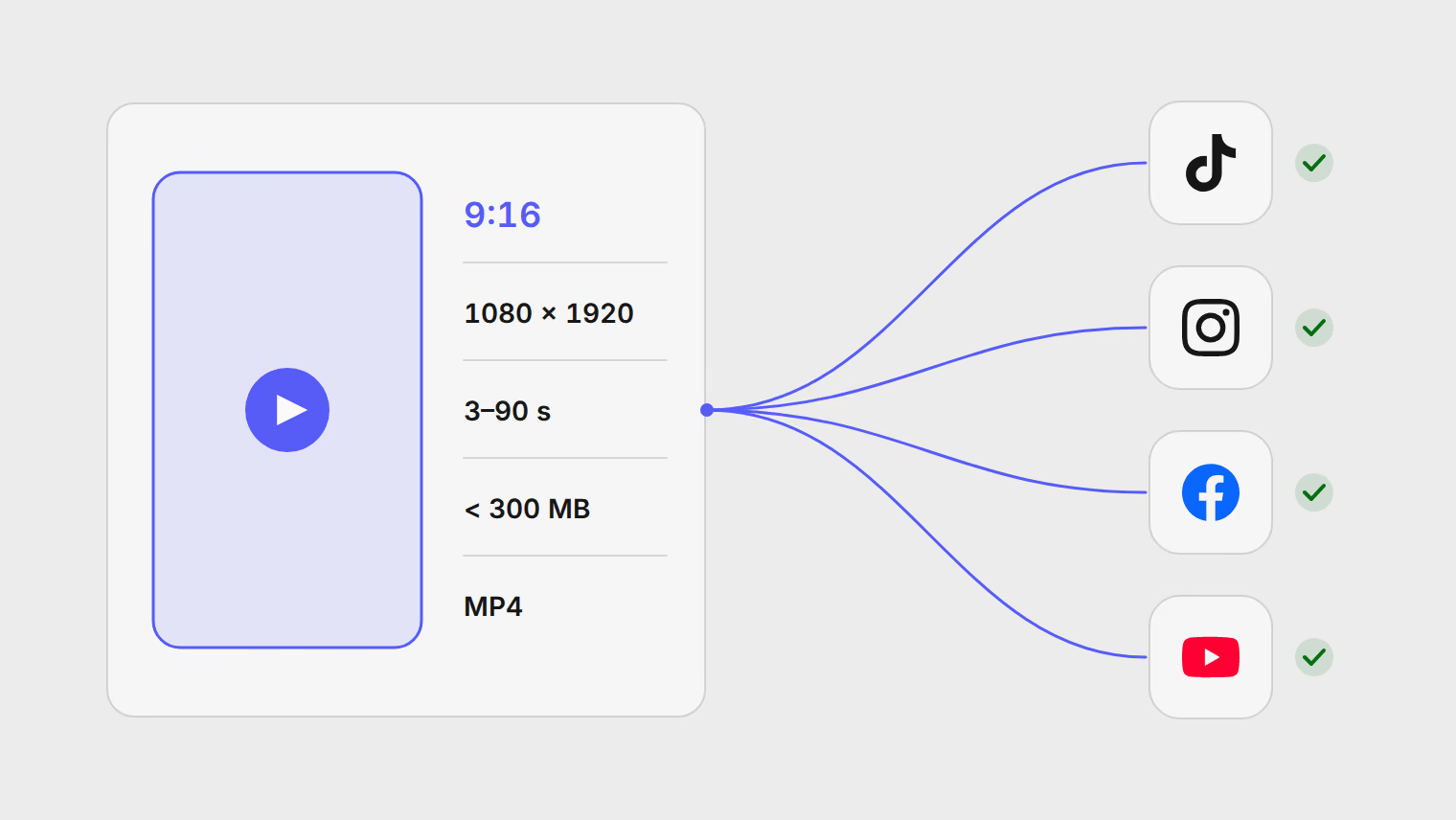
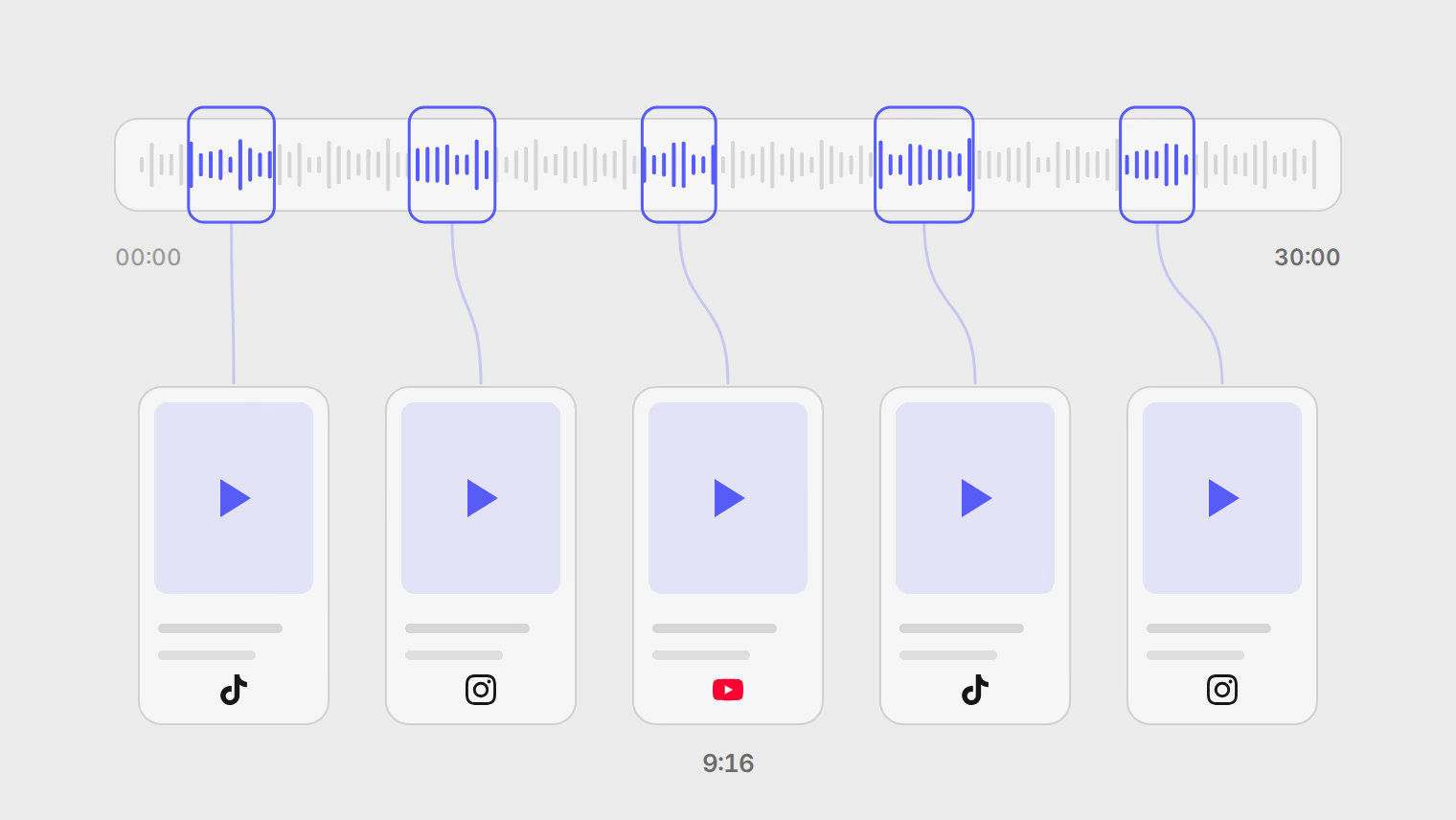
To post one video to TikTok, Instagram Reels and YouTube Shorts at the same time, export it as a vertical 9:16 MP4 under 90 seconds, put all three channels in one post, set the format to Reel or Short, write a version of the caption for each network, and schedule it once. Each network then gets the same file with its own text. Before you schedule, check what each network will refuse, and know what happens to the other channels when one does.
One file that fits all three
The safest single export is a vertical MP4, 1080 by 1920, between 3 and 90 seconds long. That fits every network below, including a Facebook Reel, which has the tightest length window. Bluesky is not an option: Publedia does not publish video to Bluesky at all, so leave it off a video post.
| TikTok | Instagram Reels | Facebook Reels | YouTube Shorts | |
|---|---|---|---|---|
| Longest video through Publedia | 10 minutes, or less if TikTok sets a lower maximum for your account | 15 minutes | 20 minutes as a video; a Reel is 3 to 90 seconds | 15 minutes; a Short is at most 3 minutes |
| File format Publedia sends | MP4 | MP4 | MP4 | MP4, MOV, WebM and other common containers |
| Shape | Any, from 360 to 4096 pixels a side | 0.01:1 to 10:1, 9:16 recommended | 9:16, at least 540 by 960 | Square or vertical, or it is a regular video |
| Largest file (the network's limit) | 4 GB | 300 MB | Not stated | 256 GB |
| Caption | 2,200 characters | 2,200 characters, up to 30 hashtags and 20 @ tags | 63,206 characters | A title of up to 100 characters, plus a description of 5,000 bytes |
The length, format and caption rows are checked in the composer before you can schedule. The shape and file size rows are the networks' own rules, from their documentation listed under Sources, and Publedia does not check them in advance. A file that breaks one is refused when it is sent, so keep the export under 300 MB and you clear Instagram, the strictest of the four.
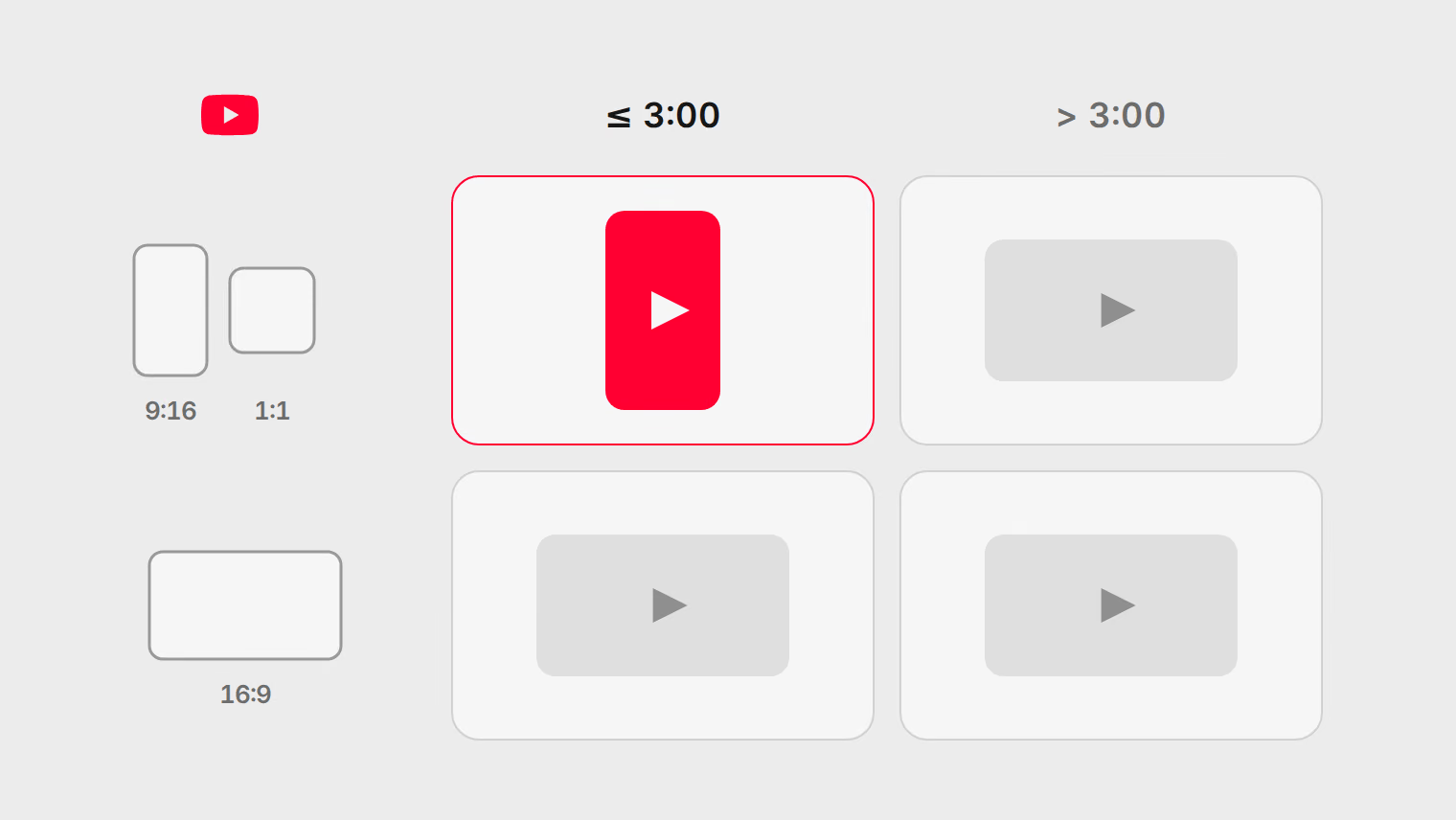
Two more rules sit behind the table. TikTok and YouTube take one video per post and nothing else, no images beside it. And on YouTube, a video only becomes a Short if it is square or vertical and no longer than 3 minutes; otherwise YouTube publishes it as a regular video, whatever you chose.
Before you start: privacy on TikTok and YouTube
Schedule the video in one post
You need TikTok, Instagram and YouTube connected under Channels first. Three channels are three connected accounts on your plan, and Basic includes 2, so check the pricing page if you also post elsewhere.
- Upload the video to Files, or drop it into the composer.
- Select Create post, select Choose channels, and pick your TikTok, Instagram and YouTube channels. Add a Facebook Page too if you post Reels there.
- Attach the video. The format chip reads Video.
- Select the format chip and choose Reel or Short. On Facebook this is what makes the video a Reel rather than a regular Page video. On YouTube it is the same upload either way, and the file's shape and length decide whether it is a Short. Instagram's publishing API publishes a single video as a Reel either way. TikTok accepts either format.
- Write the shared caption, then give each network its own version (next section).
- Select the YouTube avatar and choose Settings. Add a Title and answer Made for kids, which YouTube requires.
- Check each preview, select Pick a time, and select Schedule.
The post sits on your calendar under Posts as one item with one row per channel. If any channel breaks a rule Publedia checks, its avatar shows "Needs changes before this post can go out" with the reason, before anything is scheduled.
Write a version for each channel
The same caption rarely fits all three. Select a channel's avatar and choose Write version to give it its own text; the others keep the shared caption.
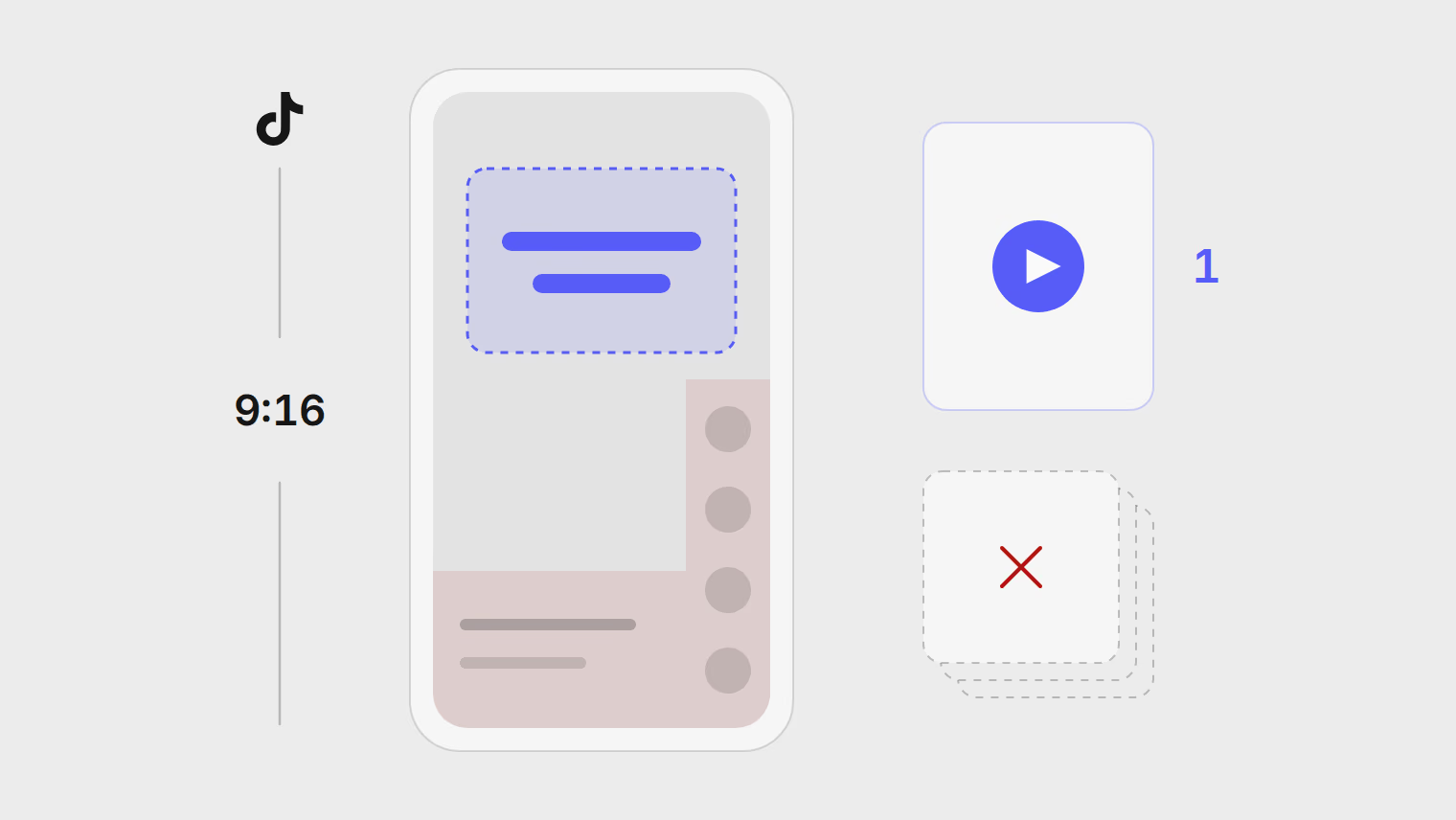
- TikTok: lead with the hook, since only the first line or two show over the video. Links in TikTok captions are not clickable, so point to your profile instead.
- Instagram: a line or two more context, and a few specific hashtags. Instagram allows 30, and you need far fewer.
- YouTube: the title is what people read first on a Short, so make it the hook in a few words. The description sits below it. YouTube places the title at the top of the description when the video is sent, so both count toward the 5,000-byte limit, and neither may contain
<or>.
Bytes are not characters. English letters are one byte each, but accented letters, most other scripts and emoji take two to four, so a description in another language reaches YouTube's limit sooner. The composer counts the YouTube version in bytes for that reason. The character limits guide compares all eight networks.
Covers and thumbnails
Publedia does not set a cover for any of these networks yet. TikTok's and Instagram's publishing APIs use the first frame when no cover is chosen. Start the video on a frame that works as a cover: a face, the product, or a line of on-screen text that states the point.
YouTube lets you add a custom thumbnail to a Short only in YouTube Studio on a computer, and only from a verified account. Do that after the Short is published.
When one channel fails
A post goes to each channel separately, so one network refusing the video does not stop the others. If Instagram rejects the file and TikTok and YouTube accept it, the video is live on two networks and the Instagram row says why it failed and offers one next step.
The common causes for a video post:
- The file is larger than the network allows, or the shape is outside its range. The row shows Rejected by the platform with Edit post. Export a smaller or reframed file and swap it in.
- A Facebook Reel is shorter than 3 seconds or longer than 90. Trim the video, or change that channel's format to Video.
- The video is longer than your TikTok account's own maximum, which TikTok sets per account and can be lower than 10 minutes. Trim it for TikTok.
- A temporary problem on the network's side, such as a timeout. The row offers Retry.
After you fix the cause, select Retry. Publedia only resends to the channels that failed; channels that already published are not posted to again, so nobody sees the video twice on TikTok because Instagram needed a second try. One exception: if a send to YouTube timed out and Publedia cannot confirm whether it went out, it does not send it again on its own. Check YouTube Studio before you retry. Fixing a failed post covers every failure kind and its next step.
Where Publedia is the wrong tool
Sounds from TikTok's library are added in the TikTok app, not through a scheduler. A scheduled video carries only the audio in the file, so if a trending sound is the point of the video, post it from the app. The same goes for TikTok photo posts, which Publedia does not publish. A sponsored or realistic AI video needs each network's own label. The composer sets YouTube's AI label, and TikTok's disclosure and AI switches only for TikTok accounts connected directly. YouTube's Paid promotion setting is not set through Publedia; turn it on in YouTube Studio. Instagram's labels are set in the app. Check AI and paid partnership labels by network before you schedule one. The TikTok scheduling guide and the YouTube Shorts guide go deeper on each network, and the repurposing guide shows how to cut a long video into clips worth posting.
Sources
- YouTube Help, Upload YouTube Shorts
- YouTube Help, Upload videos longer than 15 minutes
- YouTube Help, Add video thumbnails
- Meta for Developers, Instagram media reference (Reel specifications)
- Meta for Developers, Reels publishing for Facebook Pages
- TikTok for Developers, Content Posting API media transfer guide
- TikTok for Developers, Content Posting API direct post reference
- TikTok for Developers, Content Posting API get started
Topics
- TikTok
- Reels
- YouTube Shorts
- Video
- Scheduling