Why social accounts disconnect from scheduling tools: access lifetimes on eight networks
How long LinkedIn, X, YouTube, Meta, TikTok and Bluesky let an app stay connected, what breaks a connection early, and a reconnect calendar for clients.
Bu makale yalnızca İngilizce olarak mevcut.
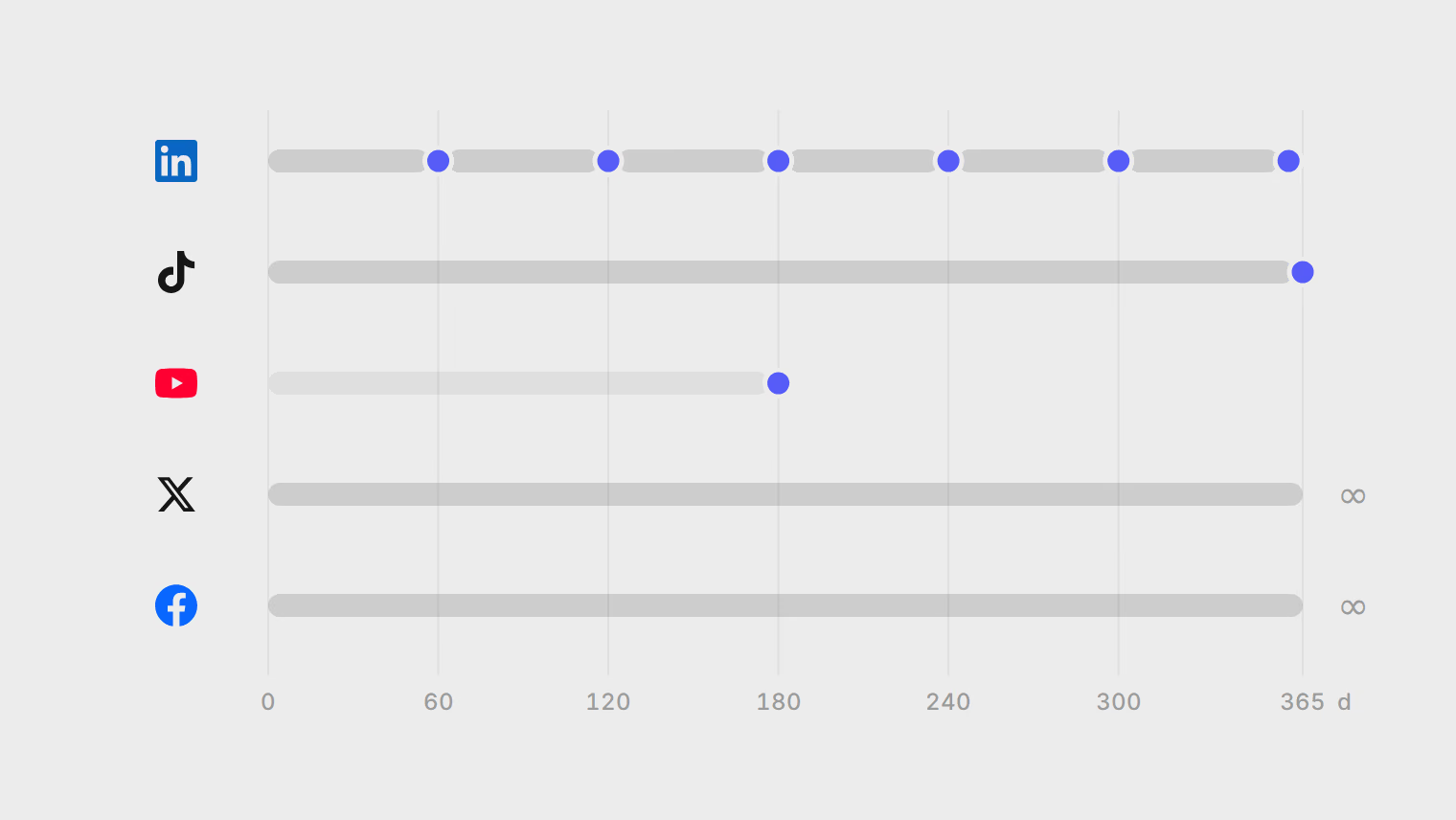
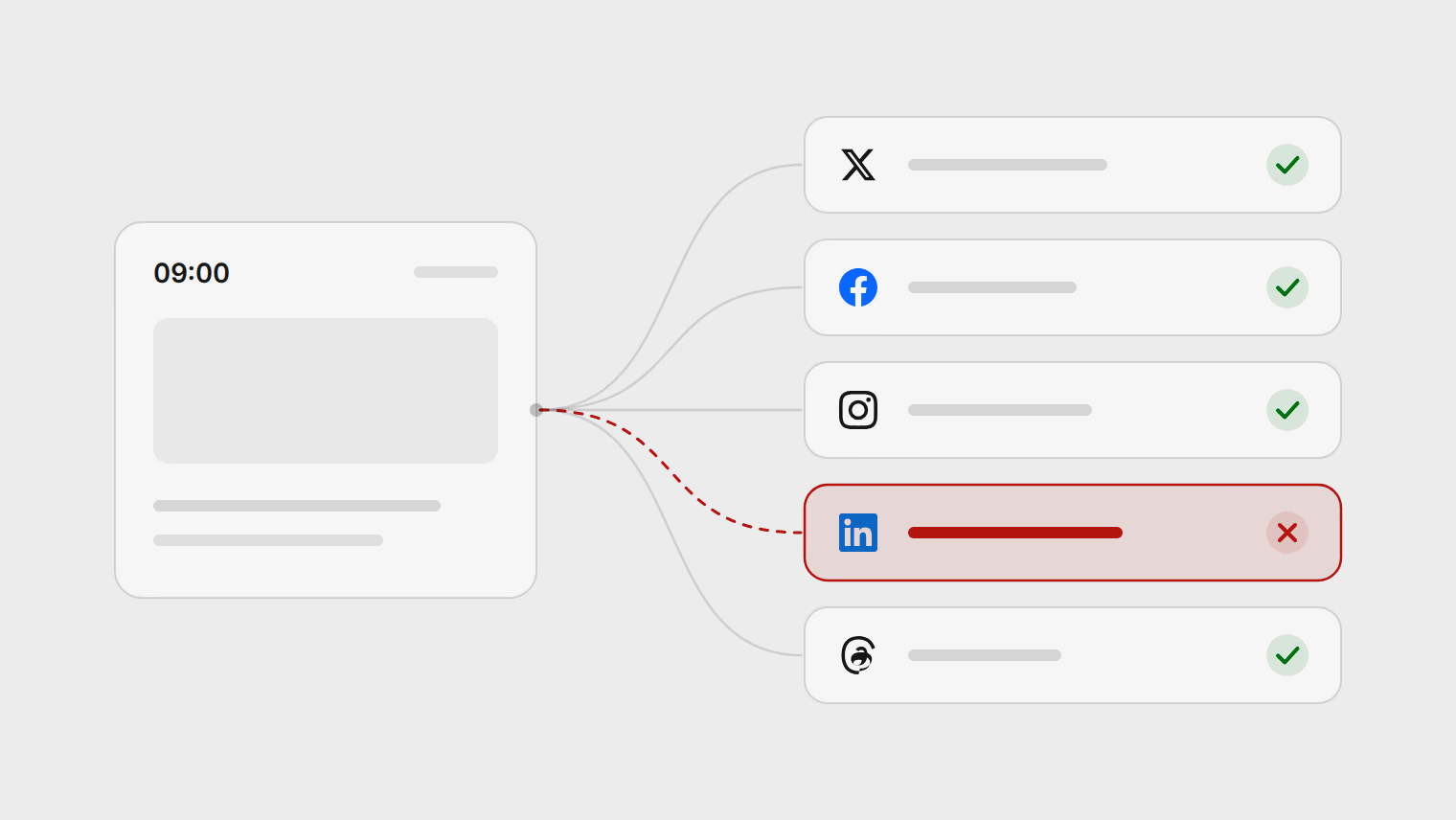
A social account rarely disconnects from a scheduling tool at random. Each network decides how long an app may act for you, and several of them put a clock on it: 60 days on LinkedIn, one year from the first sign-in on TikTok, six months of disuse on YouTube. The rest of the disconnects come from a short list of events, most of them someone changing something in the network's own settings.
This guide sets out each network's rules from its developer documentation, read on 18 October 2026, and ends with a reconnect calendar you can copy for client accounts.
What "connected" means
When you connect an account, you sign in on the network's own page and approve the app. The network then gives the app two keys:
- An access token, which the app sends with every post. It is short-lived on most networks: an hour, two hours, a day.
- A refresh token, which the app trades for a new access token when the old one runs out, without asking you again.
As long as the refresh token works, the connection renews itself in the background. A network that gives no refresh token, or limits how long one lasts, forces a new sign-in on a schedule. That is what "reconnect" means: you sign in again so the network issues new keys.
How long each network allows
| Network | Access token | How it renews | What forces a new sign-in |
|---|---|---|---|
| 60 days | Refresh tokens only for approved partners | Every 60 days, or once a year for an approved partner | |
| X | 2 hours | Refresh token, when the app asks for offline access | Nothing on a clock: X describes it as staying connected until you revoke access |
| YouTube | Short, renewed by Google | Refresh token | Six months without the refresh token being used; 7 days if the app's Google project is still in testing |
| Facebook Pages | Long-lived Page token | No expiry date | Only the events below, such as losing your role on the Page |
| Instagram (Instagram Login) | 60 days | Refreshable after 24 hours, for another 60 | 60 days without a refresh |
| Threads | 1 hour, then 60 days long-lived | Refreshable after 24 hours, for another 60 | 60 days without a refresh; 90 days for permissions from a private profile |
| TikTok | 24 hours | Refresh token | One year after you first connected |
| Bluesky | Under 30 minutes | Refresh token, generally one use each | Set by each server. The protocol suggests two-week sessions for apps it cannot verify; an app that authenticates itself can keep a session going, with each refresh token lasting up to 180 days |
Three of these surprise people.
LinkedIn is the one most people meet. LinkedIn issues access tokens that last 60 days, and only partners in its Marketing Developer Platform get refresh tokens. For everyone else, a LinkedIn connection needs a new sign-in about every two months, however well the tool is built. Even approved partners get a refresh token with a fixed one-year life from the first sign-in, so a yearly reconnect is the best case. Developers who post to LinkedIn from their own scripts end up opening reminder issues in their repositories to renew the token; agencies do the same in calendars.
TikTok's year starts at the first sign-in. TikTok's documentation says its refresh token is "valid for 365 days after the initial issuance", so plan on a new sign-in a year after the day you connected, however often the tool renews the daily access token. Note that day for each TikTok account.
YouTube connections die of disuse. A Google refresh token stops working if it has not been used for six months. A tool that only touches the token when it publishes will lose a YouTube channel that has been quiet for half a year. Google lists two more traps: each Google account can hold up to 100 live refresh tokens per app, and making a new one silently cancels the oldest; and an app whose Google project is still marked "Testing" gets refresh tokens that last 7 days.
Five events that end any connection early
Clocks aside, these end a connection on any network:
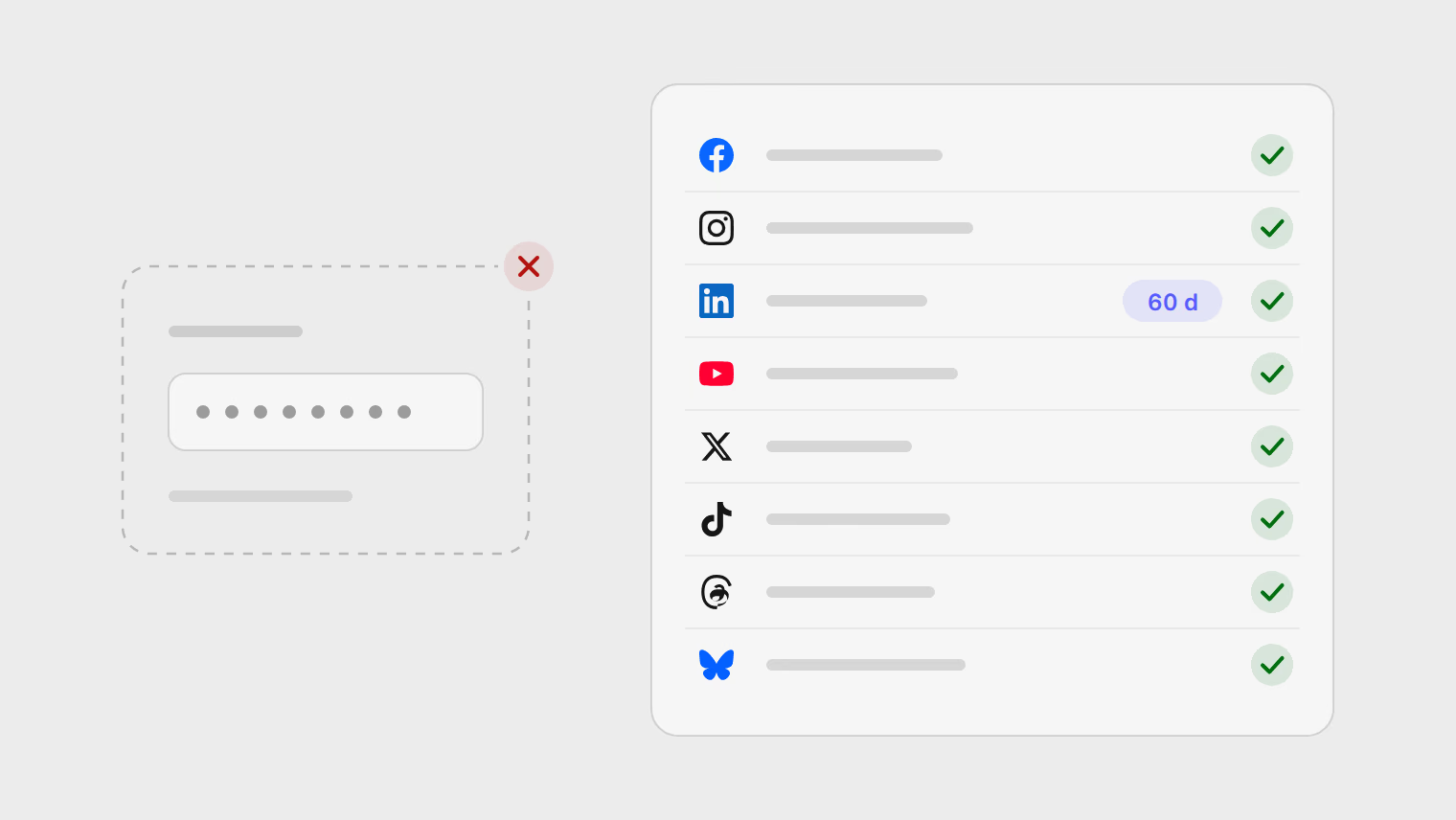
- Someone removes the app in the network's list of connected apps or security settings. On a client account, this happens during security reviews and staff changes.
- A password or security change. On some networks this ends every app's access. Google's rule is narrower than people think: a password change ends refresh tokens that include Gmail access, which a YouTube connection does not need.
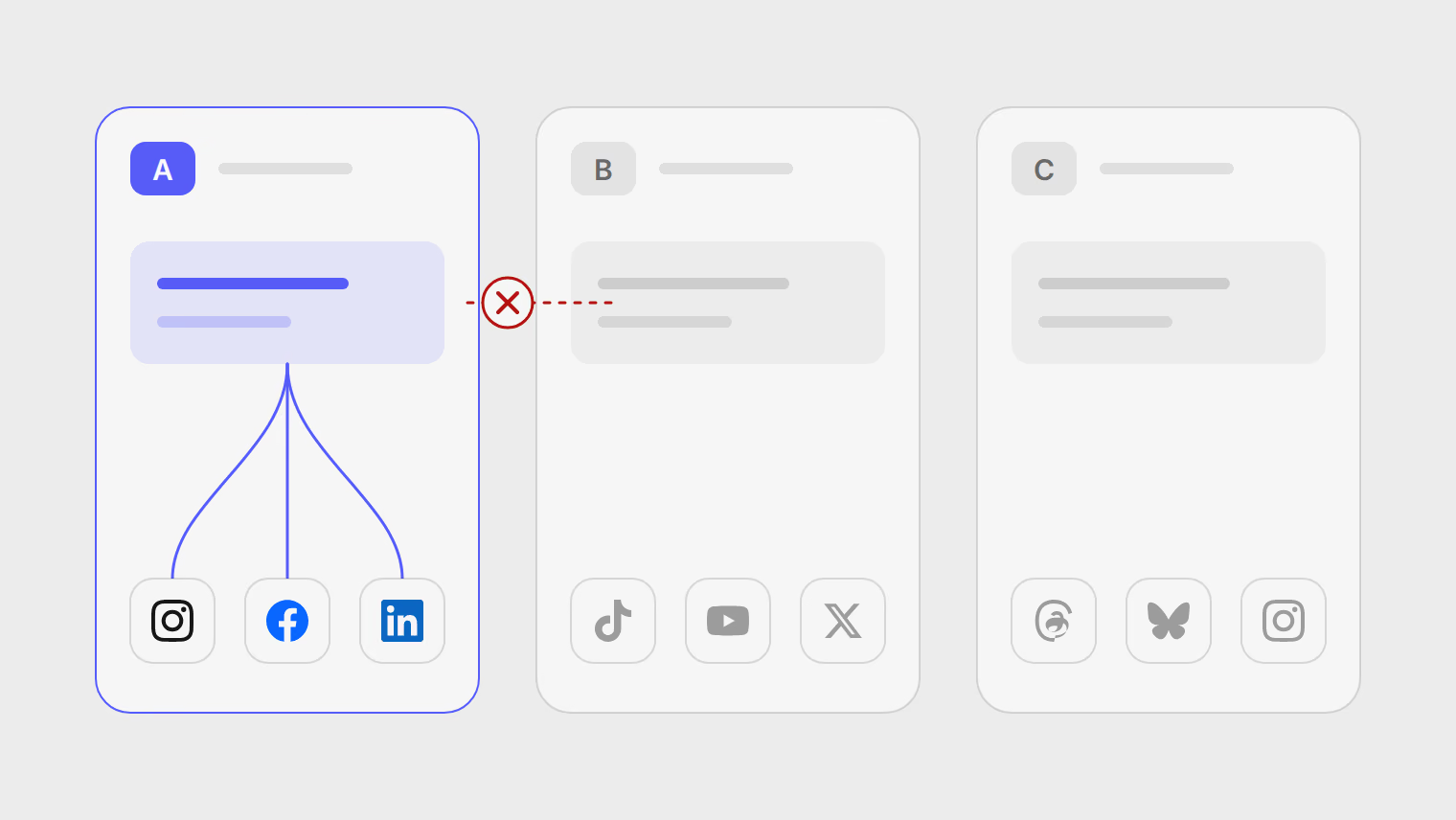
- Losing the role the connection depends on. A Facebook Page connection needs you to manage the Page. If a client removes you, the connection ends with your role.
- The account changes type. Instagram publishing needs a professional (business or creator) account. Switching it back to personal ends publishing.
- The app asks for different permissions. LinkedIn invalidates earlier access tokens when an app requests a different scope, so a tool that adds a LinkedIn feature may need everyone to reconnect once.
A reconnect calendar for client accounts
Here is the calendar for an agency with four clients, each with LinkedIn, Instagram, TikTok and YouTube, using a tool that is not a LinkedIn partner. It is built from the table above.
| Network | Clock | Calendar entry | What resets it |
|---|---|---|---|
| 60 days from each sign-in | Reconnect each profile 7 weeks after the last sign-in; with four clients, about two reconnects a month | Signing in again | |
| TikTok | 365 days from the first connection | One reminder per account, 11 months after it was connected | Signing in again |
| YouTube | Six months unused | A check on any channel that has not published for five months | The tool using the connection |
| 60 days without a refresh | None if the tool refreshes tokens on its own; otherwise a check after 7 weeks of no posts | A refresh by the tool |
Two habits make this cheap. At onboarding, agree who will sign in to each account when it needs reconnecting; the client onboarding guide lists who signs in on each network. And reconnect a few days before a launch or campaign, not on the morning of it. For keeping each client's accounts apart in the first place, see managing multiple client accounts.
What a good tool does about it
You cannot change a network's clock, but a scheduling tool can make it visible. Look for:
- A status on each channel that shows an approaching expiry before it happens, not only a failure after.
- Background refreshes, so tokens that can be renewed are renewed without anyone noticing.
- A message to the team when a channel stops working.
- Scheduled posts kept while a channel is disconnected, with a retry after reconnecting.
In Publedia, a channel with a fixed expiry, such as LinkedIn, shows Expiring soon on Channels in the 7 days before and Expired after; access the network withdrew shows Needs reconnection, and workspace members get an email. Scheduled posts are kept, and Retry sends the ones that failed once the channel is back. The steps are in reconnect a channel.
Kaynaklar
- Microsoft Learn, LinkedIn authorization code flow (60-day access tokens)
- Microsoft Learn, LinkedIn programmatic refresh tokens (one year, approved partners)
- X Developer Platform, OAuth 2.0 authorization code flow with PKCE
- Google Identity, using OAuth 2.0 (refresh token expiration)
- Meta for Developers, long-lived access tokens
- Meta for Developers, refresh an Instagram access token
- Meta for Developers, Threads long-lived access tokens
- TikTok for Developers, user access token management
- AT Protocol, OAuth specification (tokens and session lifetime)
Konular
- Channels
- Reconnect
- Troubleshooting
- Agencies