How to recycle evergreen content on social media without repeating yourself
Which posts are worth repeating, how far apart to space them, when to reword instead of reposting, and what X, Facebook, Threads and Bluesky say about repeats.
Este artículo solo está disponible en inglés.
To recycle evergreen content, keep a list of posts that will still be true in six months, publish them again on a fixed rotation spaced weeks apart, and change the wording each time they come back. Most people who follow you missed the post the first time. The ones who saw it are the reason to reword it, and the networks' spam rules are the reason not to fire the same text at the same account over and over.
What makes a post evergreen
A post is evergreen when it reads as well next quarter as it did today. Four checks catch most of the ones that are not:
- It names no date, season, price or deadline. "Our spring sale ends Friday" is a one-off. "Here is how we price custom orders" can run for a year.
- It stands on its own. A reply to a trend, a news story or someone else's post makes no sense once the moment has passed.
- Its link will still work. A link to a landing page you retire next month turns a good post into a broken one.
- You would still say it. Advice you have since changed your mind on is worse than no post.
Good candidates are the posts you would otherwise write again from scratch: an introduction to what you do, a how-to, an answer to a question customers keep asking, a standing offer, a behind-the-scenes post about how the work gets made. Announcements, event posts and anything tied to a launch are not.
Your own history is the best source. A post that did well months ago, on a topic that has not dated, has already shown that people want it.
How often to repeat a post
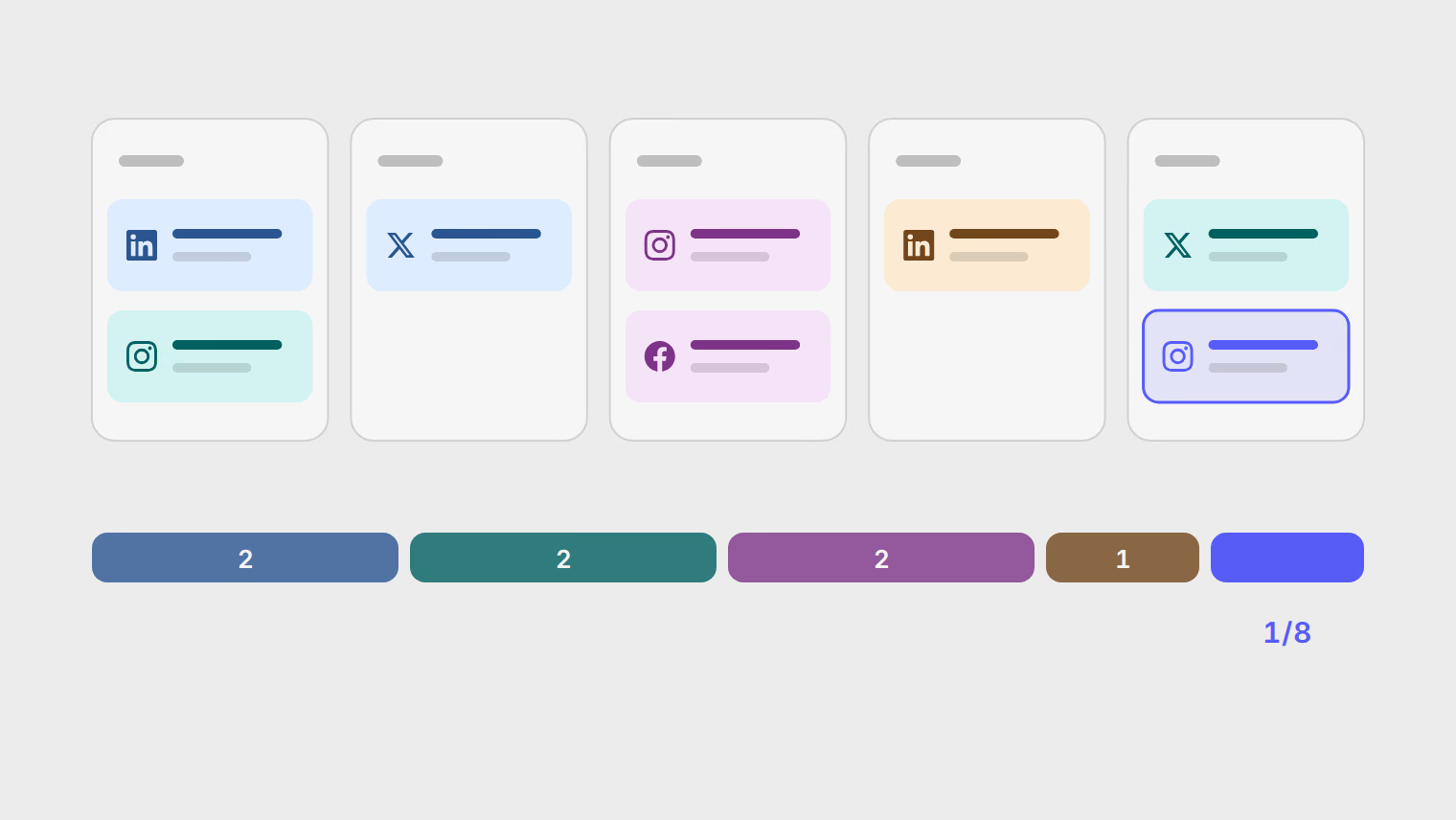
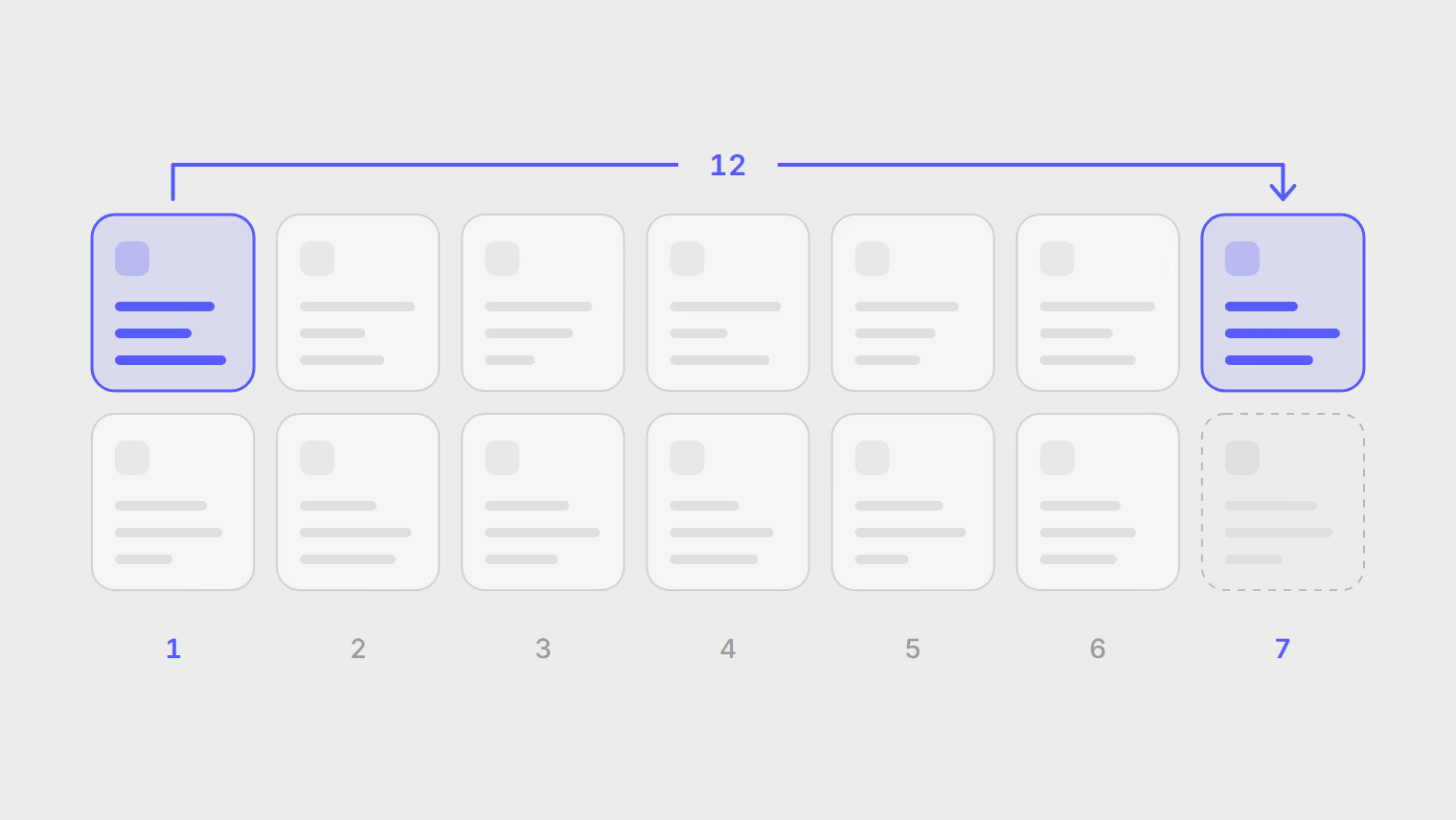
The spacing comes from two numbers you choose: how many posts are in the rotation, and how many times a week it publishes. Twelve posts going out on Tuesday and Friday bring each post back every six weeks. Four posts on the same schedule bring each one back every two weeks, which most followers will notice.
No network publishes a safe interval, so treat this as a starting point rather than a rule: keep each post at least a month apart from its last appearance, and add posts to the rotation before you add days to the schedule. A longer list spaces repeats out without changing how often you post.
Two habits keep a rotation from going stale:
- Give each post a limited life. After it has gone out a handful of times, retire it, or rewrite it as a new post.
- Review the list every month or two. Prices change, links break and advice dates, and a rotation keeps publishing whatever is in it.
Recycled posts are a baseline, not the whole calendar. They cover the weeks when nothing new gets written, and they work best mixed in with new material. The guide to how often to post sets that overall rhythm per network.
Reword it or repost it as is
Reposting the exact text has a place. A short standing message, such as opening hours or a signup link, is the same every time by nature. Space those out further than the rest, and keep the wording plain.
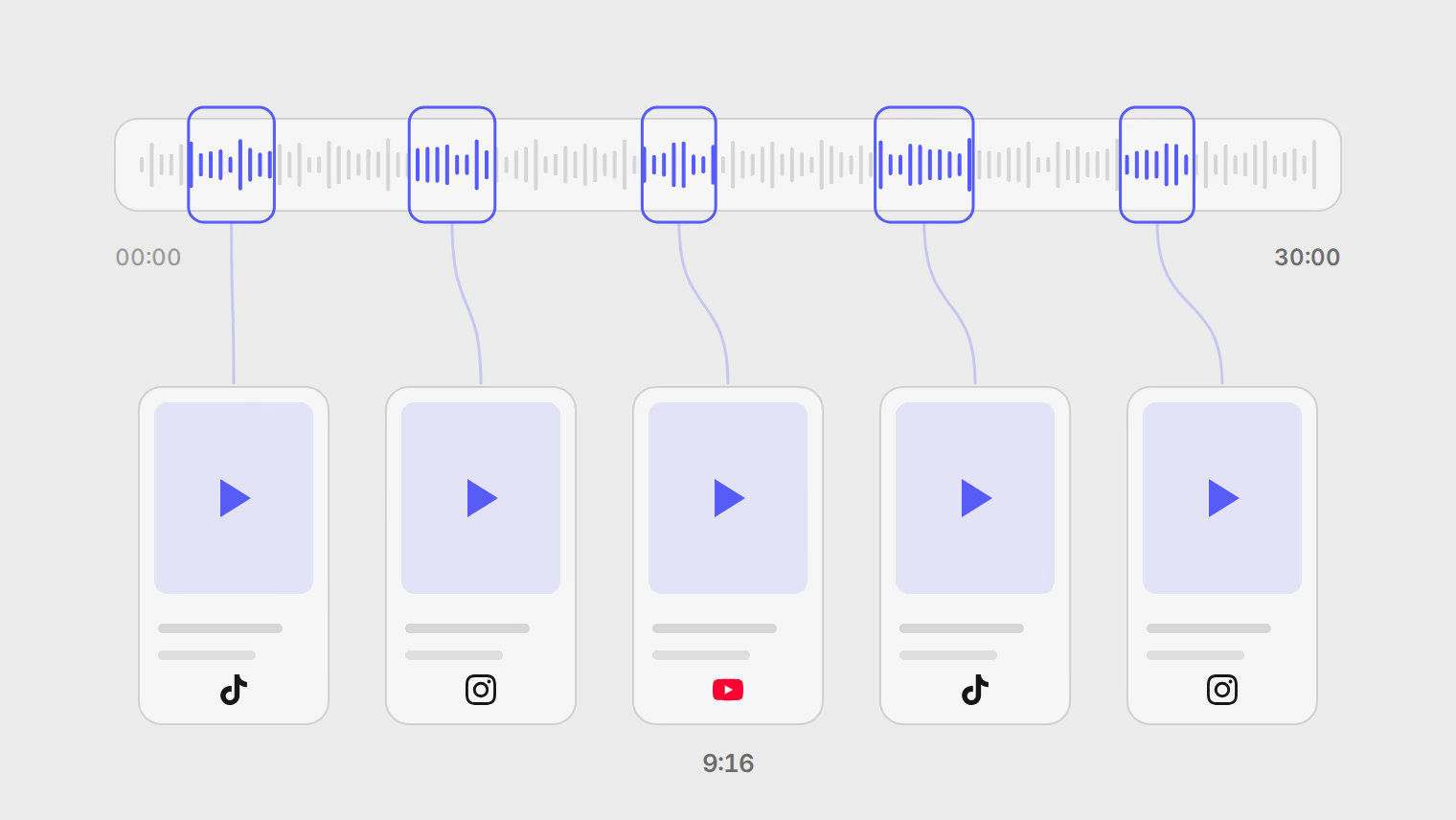
Between the two sits a change of format. A how-to that went out as a text post can come back as a carousel, a short video or a thread. That is closer to repurposing than reposting, and it usually reaches people the first version did not.
What each network says about repeats
Each network writes its own rule, and none of them gives a number. This is what their own pages say.
| Network | What its own page says |
|---|---|
| X | X's developer terms say to "never post identical or substantially similar content across multiple accounts". For repeats from a single account, read X's automation rules in its Help Center before you set up a rotation there. |
| Meta says "you can share the same content across any of your Pages or profiles". Its rule on unoriginal content is about reusing another creator's work without credit, and when it detects duplicate videos it reduces the distribution of the copies. | |
| Threads | The Threads API overview limits a profile to 250 API-published posts in a 24-hour moving period. It says nothing about repeated content. |
| The Professional Community Policies do not allow "gratuitously repetitive messages or similar content" under the rule against spam. | |
| Bluesky | The Community Guidelines say: "Do not send spam or repeatedly post content in ways that disrupt normal conversations or service use". |
None of the rules quoted above forbids one account repeating its own useful post now and then, in fresh wording. What they warn against is volume and sameness: the same text on a tight loop, or the same text pushed to several accounts at once.
Recycling posts in Publedia
Publedia does this with repost lists, which are in beta and included from the Ultra plan. A repost list is a rotation of posts that republishes the next one on the days and time you choose.
- Open Automations, choose the Repost lists tab, and select New repost list.
- Pick the channels it publishes to and the days and time it runs.
- Select Add post, write the post, and select Add to rotation. Repeat for each post.
- To reword a post on each return, open it and use Add a wording under Other wordings. Each repost uses the next wording, up to five.
The list's settings cover the habits above. Post order runs the rotation In order or Shuffle. Retire a post after it's reposted takes a post out once it has gone out the number of times you set, and Retire this post on a date stops it after a date, which suits anything with a shelf life. Review each post before it goes out saves a draft on every run instead of publishing, so you can check it first. The list shows how many posts are in rotation, and warns you while it has fewer than three, since it would repeat itself every run or two.
Two starting points under Automations build a repost list for you, so they need the same plan:
- Repost your evergreen content republishes a list of posts on a schedule, starting over once every one has gone out.
- Repost your best performers adds old posts that beat your average engagement to the list, then reposts from it. It looks only at posts at least 14 days old, compares each with your other posts on the same platform, and adds up to five each run. You set how far above average a post must be and how many days back to look.
You can also add a single post by hand. Open the post and choose Add to a repost list in its menu. The text and media are copied, so later edits to the original do not change the copy.
Reshare a post the next day is a separate automation that publishes a post again a day after it first goes out. It ends with an approval step, so by default the reshare waits as a draft for you to publish. Use it for posts you want a second chance at, and reword the draft before it goes out.
Every repost to X through Publedia's own X app counts against the monthly X allowance (5 on Basic, 15 on Pro, 60 on Ultra), and each automation counts toward your plan's automations (15 on Ultra). The pricing page has the rest of each plan.
On Basic or Pro, repost lists are not available. You can still keep an evergreen list in a document and schedule the reworded versions yourself in Create post during your weekly batch.
The automations and repost lists help article covers each setting step by step.
Fuentes
Temas
- Evergreen content
- Reposting
- Consistency
- Automation