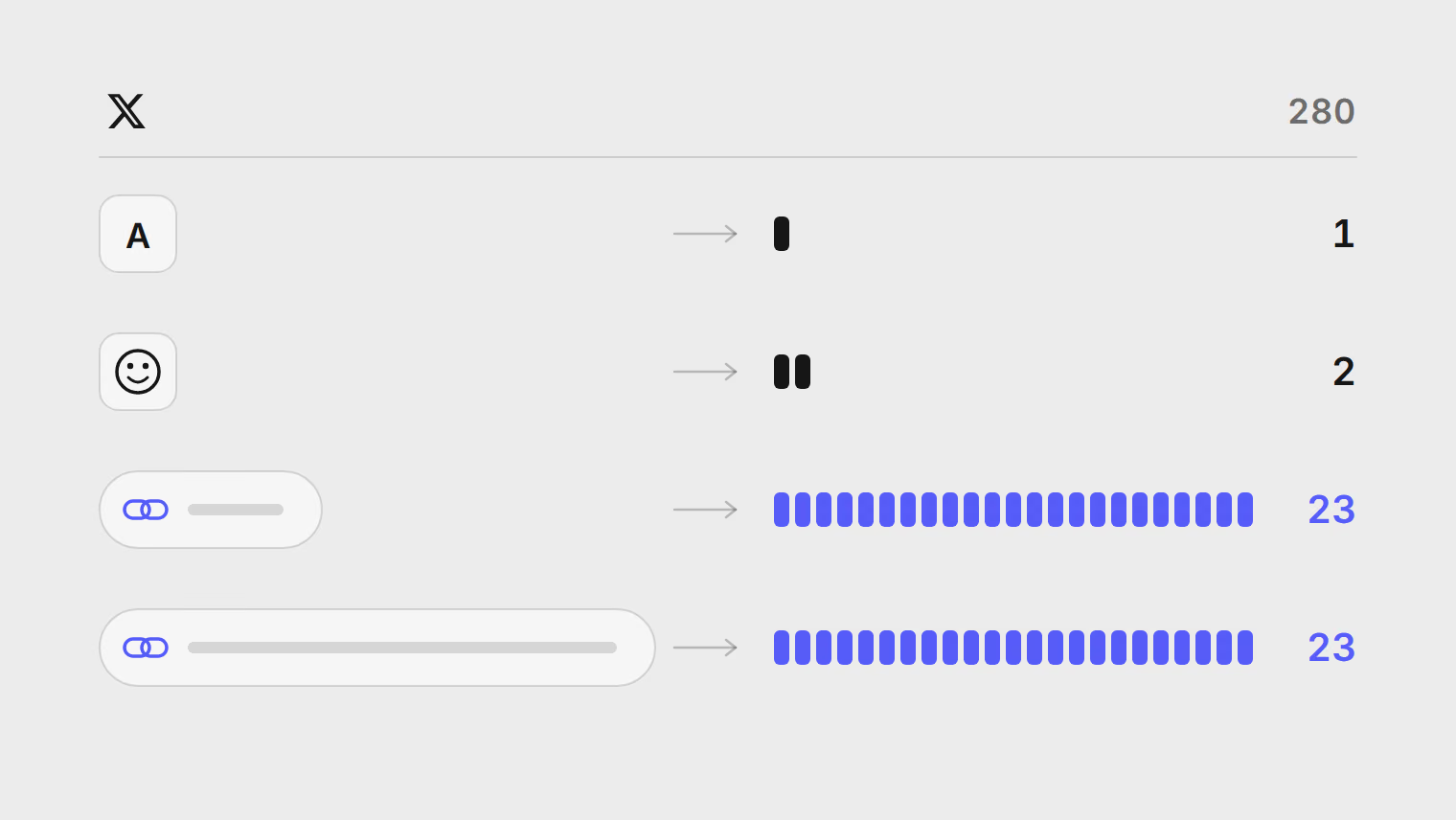
X API pricing for scheduled posts: a monthly allowance or your own X app
What X charges per post through its API, why schedulers cap posts to X, and how to choose between a monthly X allowance and your own X app, with worked costs.
Este artículo solo está disponible en inglés.
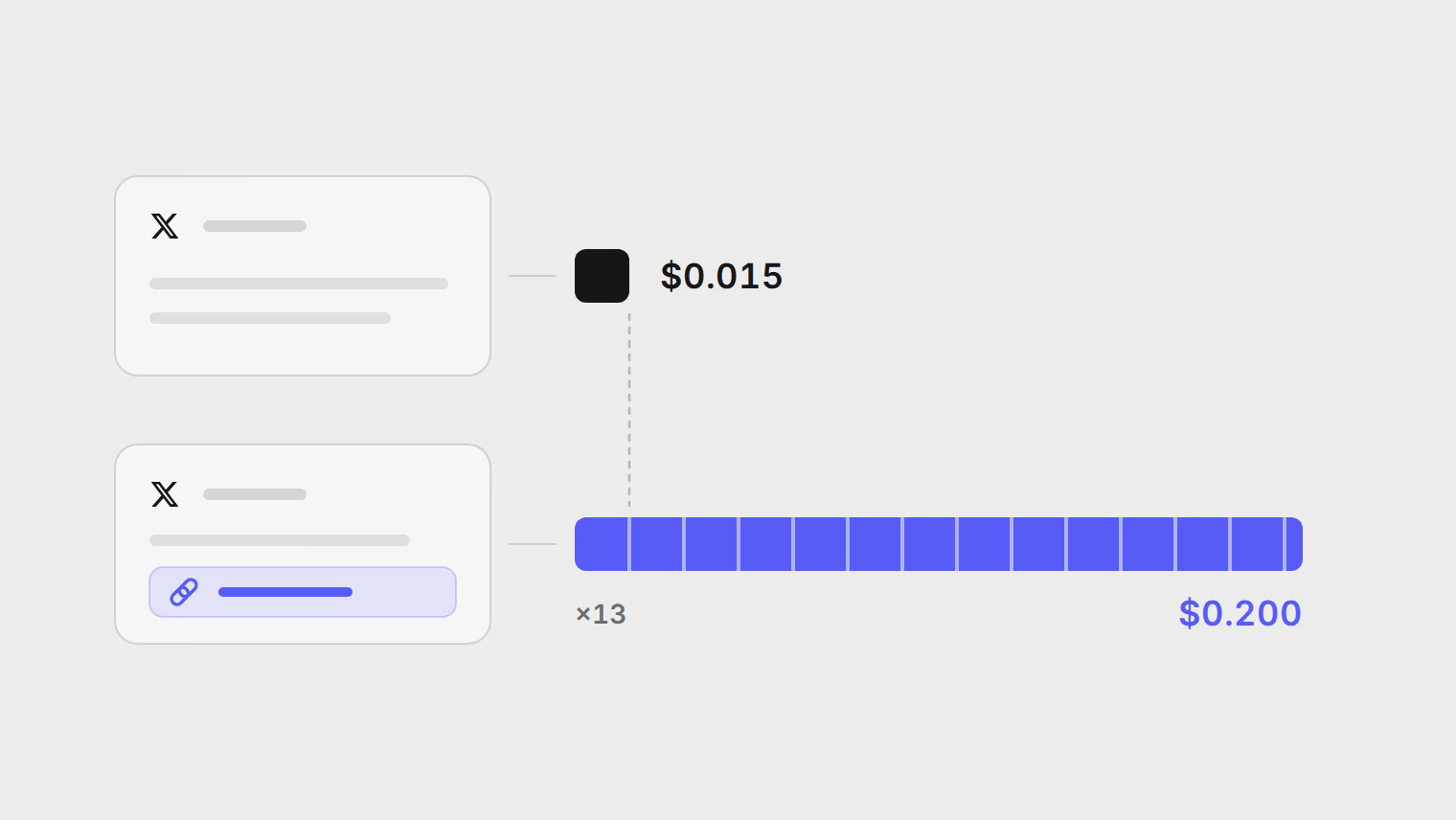
X charges for every post created through its API: $0.015 for a post, and $0.200 for a post with a URL, according to X's pricing page on 16 October 2026. A scheduler pays that bill whenever it publishes for you through its own X app, which is why schedulers, Publedia included, cap posts to X. You can take the allowance a tool includes, or register your own X app and pay X directly. If your X posting fits inside your plan's allowance, stay on it. If it does not, the worked costs below show what your own app would cost at X's prices.
What X charges per post
X sells API access as prepaid credits. You buy credits upfront in X's Developer Console, and each request is deducted as it is made. These are the rows that matter to someone who publishes:
| Request | Price |
|---|---|
| Post: Create | $0.015 per request |
| Post: Create (with URL) | $0.200 per request |
| Posts: Read | $0.005 per resource |
Three details on the page are worth reading before you budget. X does not define "with URL", so plan as if any post with a link in it is billed at the higher rate. Prices carry the note "subject to change", and the page has no date, so check it again before you commit to a number. And you can set a spending limit per billing cycle, after which X blocks requests until the next cycle.
A thread is several posts. Each part goes to X as its own create request, so a six-post thread is six requests.
Why schedulers cap posts to X
When you connect X to a scheduler the usual way, you approve the scheduler's app, and X bills that app for the requests it makes. Every post you schedule becomes a cost on the tool's X account, and a link post costs more than 13 times a plain one. A tool that let every plan post to X without a ceiling would be paying X for its heaviest users out of everyone's subscription.
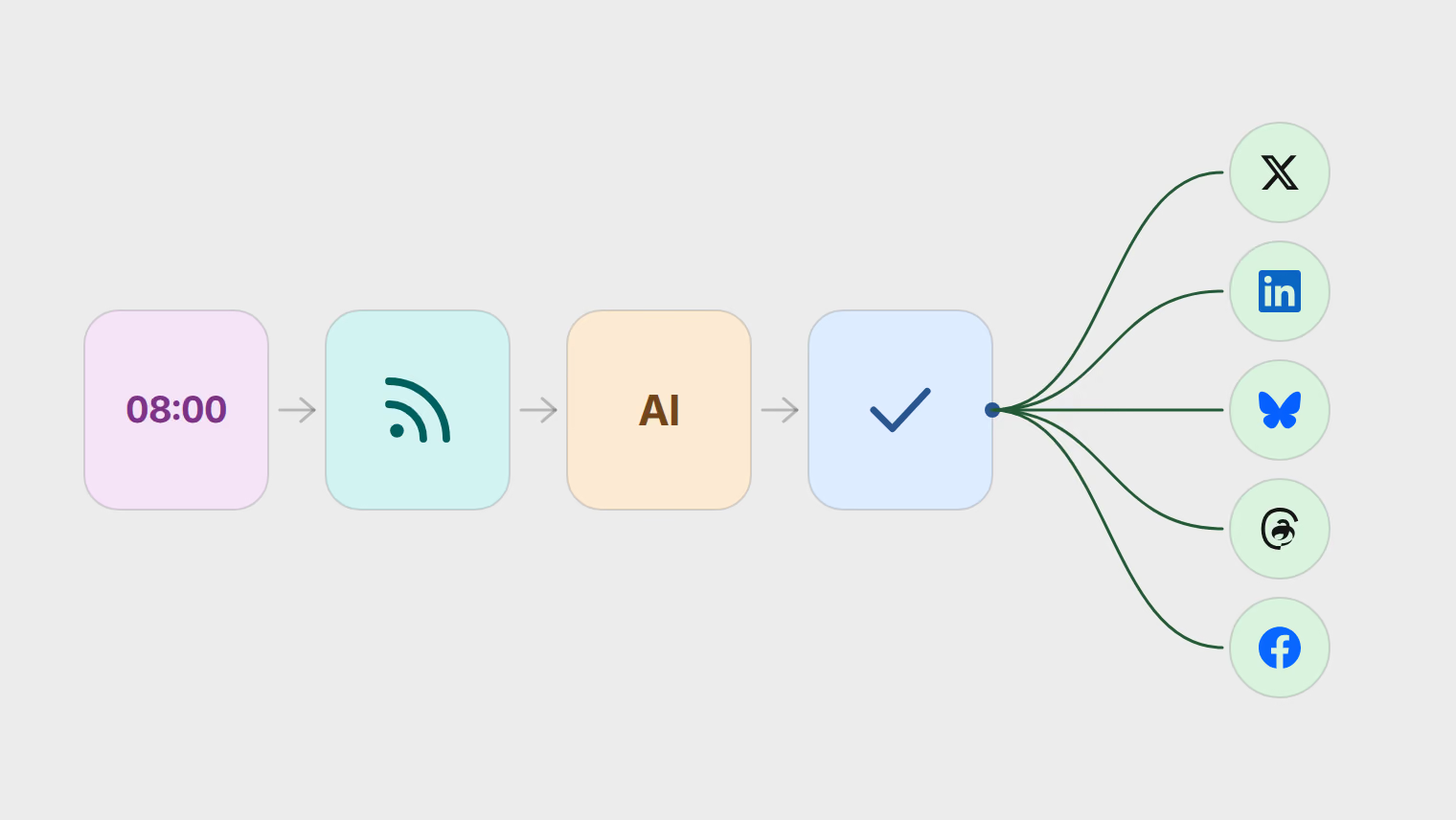
So schedulers ration X. Publedia does it with a monthly allowance on each plan, and lets you replace the allowance with your own X app.
How Publedia's X allowance counts
On Publedia's own X app, posts to X count against a monthly allowance: 5 on Basic, 15 on Pro and 60 on Ultra. The quoted Business and Agency plans have no X cap. The pricing page lists each plan.
The allowance counts posts, not dollars:
- A single post counts as one, with or without a link. The allowance does not charge a link post more, even though X does.
- Every post in a thread counts, so a six-post thread uses six.
- A post with a First comment on X counts as two.
- It resets on the first day of each calendar month, in UTC, and a post counts in the month it publishes.
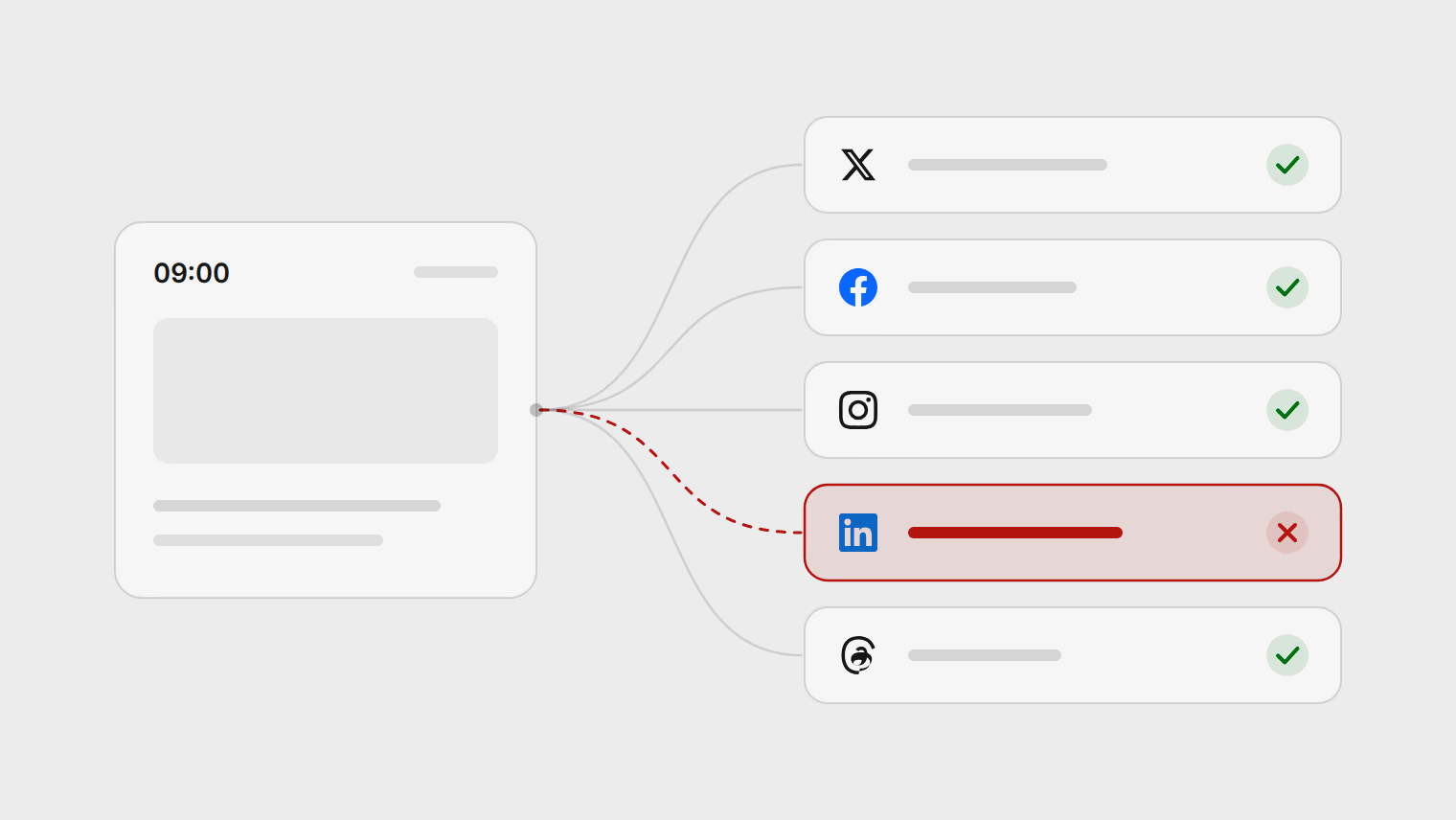
When the month's allowance runs out, a post to X fails with Plan limit reached and the other channels on the same post still publish. The X scheduling guide shows where the composer tells you how many X posts are left before you schedule.
Your own X app: what changes
An admin can register the workspace's own X app under Settings, Developers. From then on, posts to X publish without the allowance, and X bills them to your X developer account at the prices above. The steps are in use your own X app.
What you take on with it:
- An X developer account, an app attached to a project, and credits bought in advance. X decides the prices and can change them.
- Reads are billed too, at $0.005 per post read, so comments fetched into the Inbox (beta) add to the bill.
- Every X channel in the workspace has to be reconnected through the new app, once.
- Your plan's other limits, such as scheduled posts a month, still apply.
What you get is no monthly ceiling on X. Switching back to Publedia's app later brings the allowance back, and posts already published that month count toward it.
Worked costs at X's published prices
These use only the prices on X's page on 16 October 2026. They leave out reads, which depend on how many comments your posts get.
| Posting pattern | Requests a month | Cost at X's prices |
|---|---|---|
| One post a day, no links | 30 at $0.015 | $0.45 |
| One post a day, 10 of them with a link | 20 at $0.015, 10 at $0.200 | $2.30 |
| The same, plus a weekly six-post thread with no links | 44 at $0.015, 10 at $0.200 | $2.66 |
| Five client accounts, two link posts a day each | 300 at $0.200 | $60.00 |
A creator posting a daily thought pays X pennies. A blog or newsletter that shares every article to X pays mostly for the links, and an RSS automation that posts each new article is exactly that pattern.
Which to choose
If you are close to the ceiling only in some months, moving up a plan may be simpler than running an X app.
Use your own X app when:
- You post to X more often than your plan's allowance, most months.
- You run long threads, since each part counts against the allowance.
- An agency workspace posts to X for several clients, where the counts add up fast.
- You want X billing on your own account, with your own spending limit.
Work out your own month the same way as the table: count plain posts and link posts separately, multiply by X's two prices, and compare the total with what a plan change would cost.
To see where you stand this month, open Create post and pick an X channel. The Posts to X meter shows how many you have used and how many are left.
Fuentes
Temas
- X
- X API
- Pricing
- Scheduling