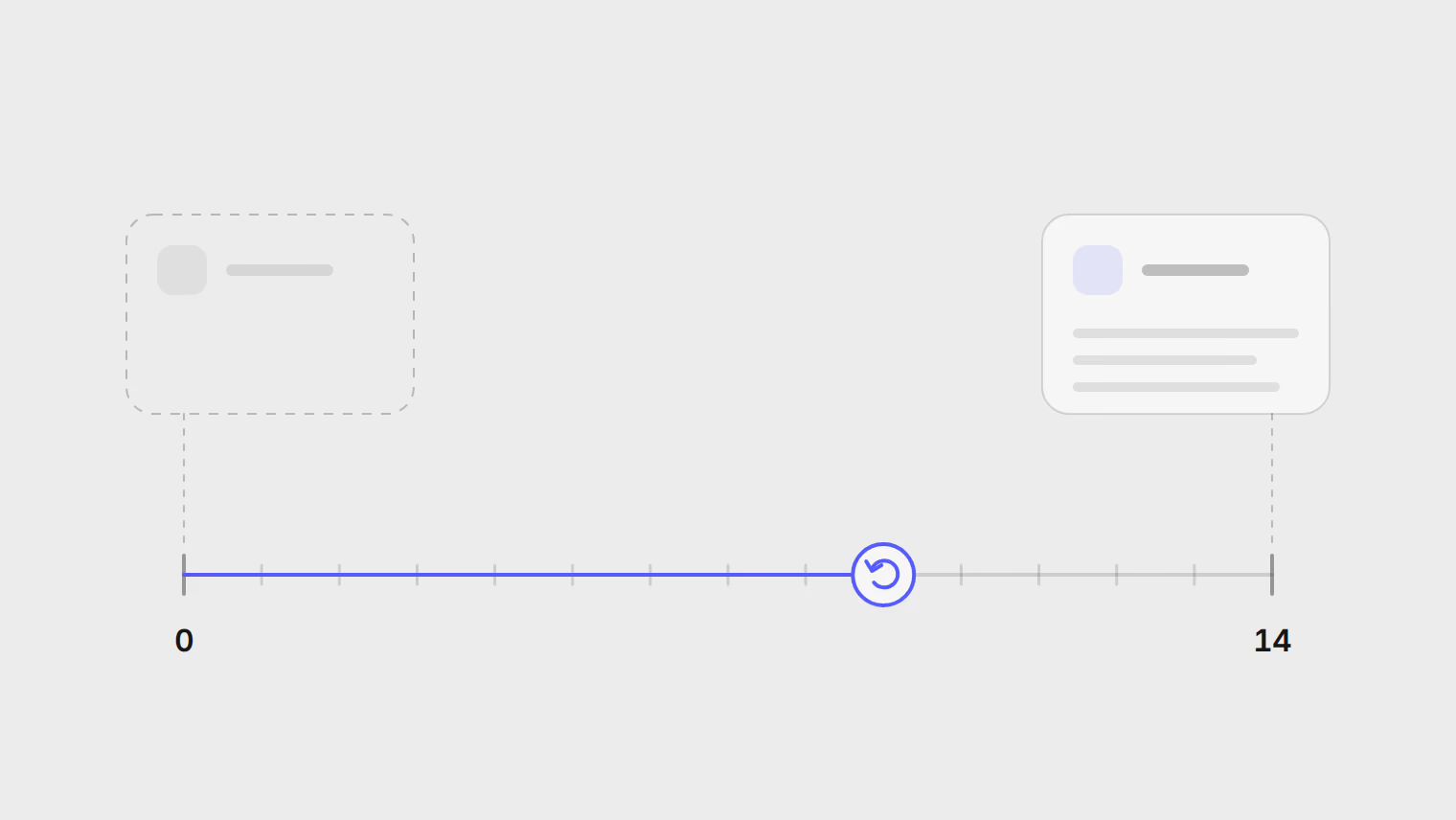
See what an automation will do before it runs
Automations now show the outcome they produce, approvals show the exact text that will go out, and presets let you test a reply on real comments first.
Este artículo solo está disponible en inglés.
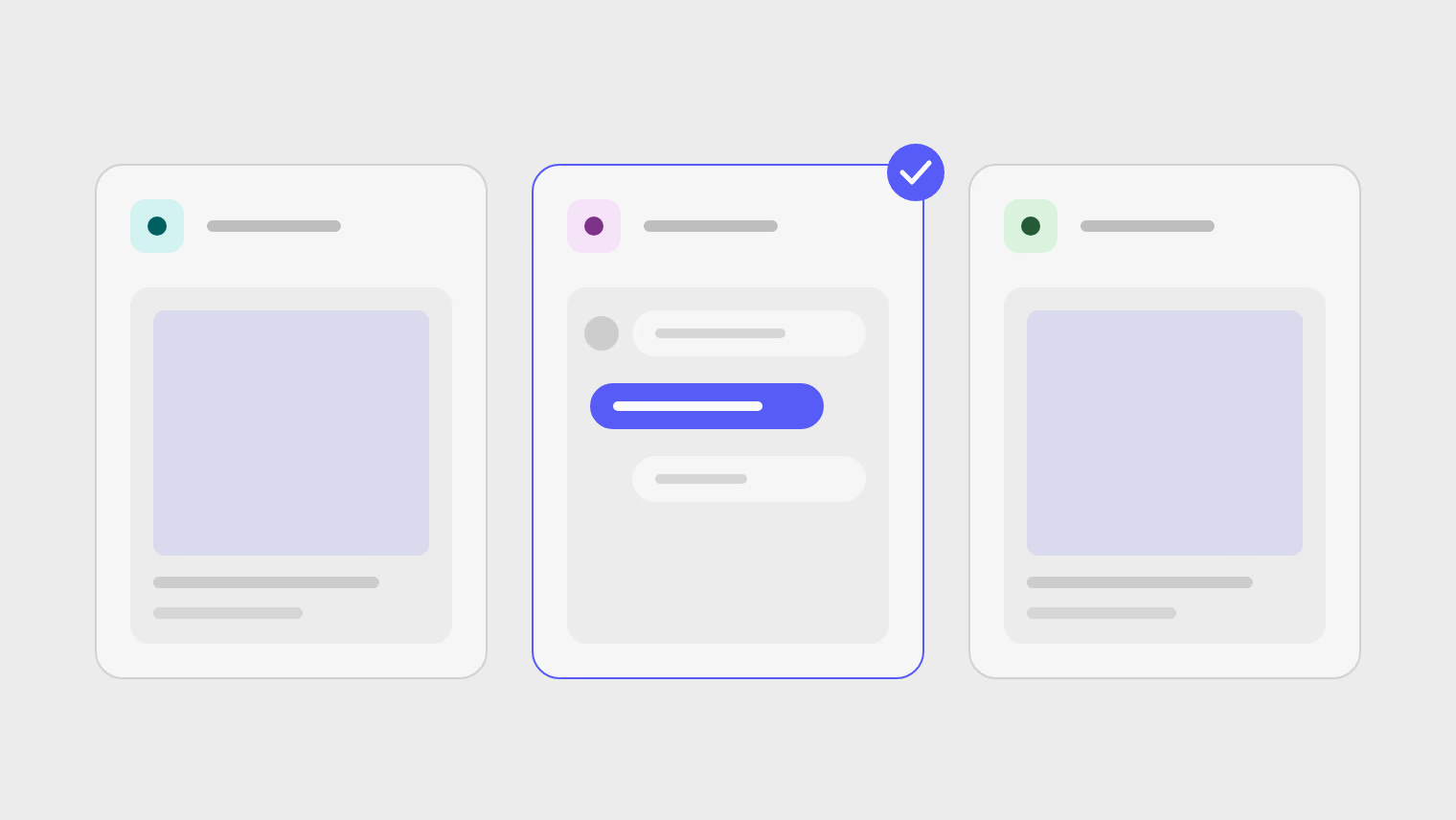
Automations in Publedia now tell you what they will do before they do it. These changes have been live since version 0.0.9 on October 3, 2026, together with the presets from 0.0.7 and the reply changes from 0.0.8 released the same day.
What changed
| Change | What you see |
|---|---|
| Previews | Each automation shows the outcome it produces, in a grid or a list |
| Tabs | All, Posting, Engagement and Waiting for approval |
| Approvals | A reply or post waiting for approval shows exactly what will be sent |
| Presets | Start from a preset picked for your channels |
| Testing | Try your reply on real comments before you turn it on |
| Reply timing | Automatic replies wait a moment before they go out |
| Wording | AI suggests more ways to word a fixed reply |
Approve from the exact text
A reply or post waiting for approval shows exactly what will be sent, so you approve the message itself and not a description of it.
Replies that read like a person
Automatic replies now wait a moment before they go out, and AI suggests more ways to word a fixed reply. An AI reply also takes the post it answers into account, and the reply preview responds in seconds.
Every release, with the smaller fixes, is in the changelog. How automations and repost lists work is in the help guide.