Новости
You can now delete a workspace
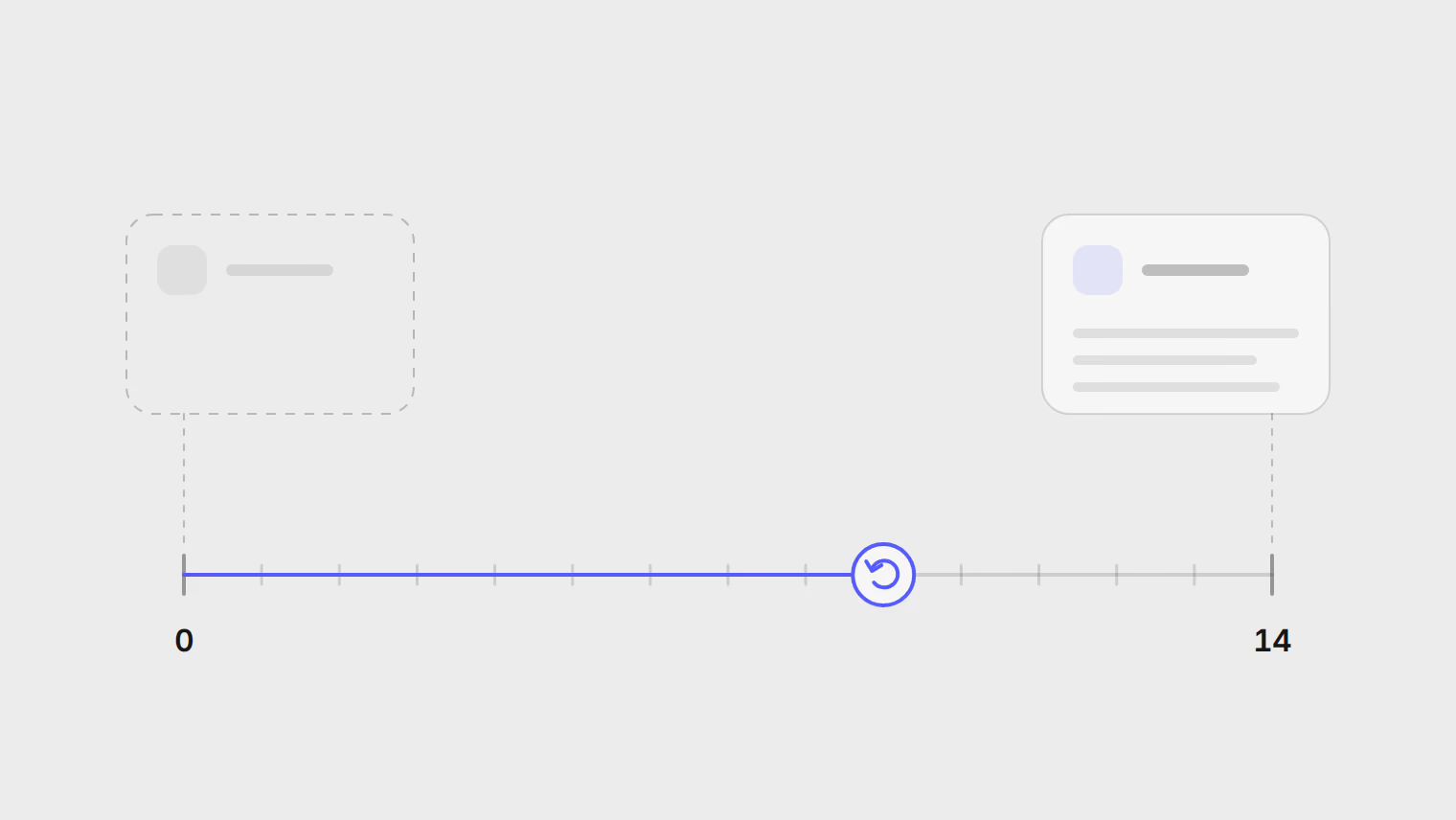
Delete a workspace from Settings. An empty one goes at once; one with content goes after 14 days, and you can cancel until then. It sends no replies meanwhile.
1 мин чтенияКоманда Publedia
Эта статья доступна только на английском.
When a client leaves or a project ends, you can now delete its workspace yourself. The change has been live since version 0.0.8 on October 3, 2026.
How it works
| The workspace | What happens |
|---|---|
| Is empty | It is deleted at once |
| Has content | It is deleted after 14 days |
Delete it from Settings. A workspace that has content waits 14 days, and until then you can cancel the deletion.
How workspaces and teams fit together is in the help guide, and every release is in the changelog.